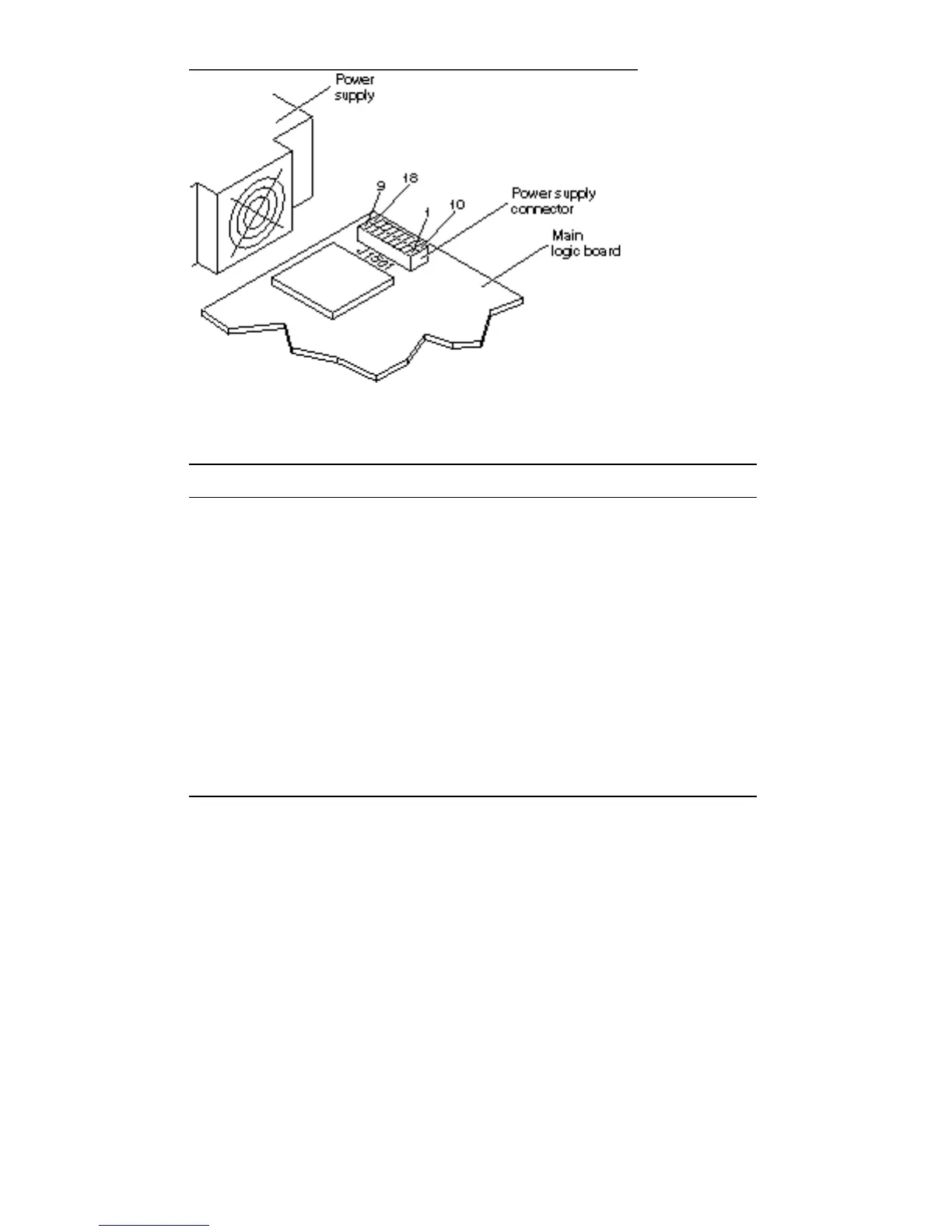
Figure 3–1 Power Supply Connector
TABLE 3–1 Power Supply Connector Pin Assignments
Pin # Assignment Pin Assignment
1 +12V 10 Logic Ground
2 -12V 11 Logic Ground
3 +5.1V 12 Logic Ground
4 +5.1V 13 Logic Ground
5 +5.1V 14 Logic Ground
6 +5.1V 15 Logic Ground
7 +5.1V 16 Logic Ground
8 Power On 17 Power OK (reset)
9 Power Off 18 No Connection
Replace the power supply assembly if any of the voltages are not present. Refer to
Chapter 11 for instructions to replace the power supply assembly.
Troubleshooting 25














 To Next Page