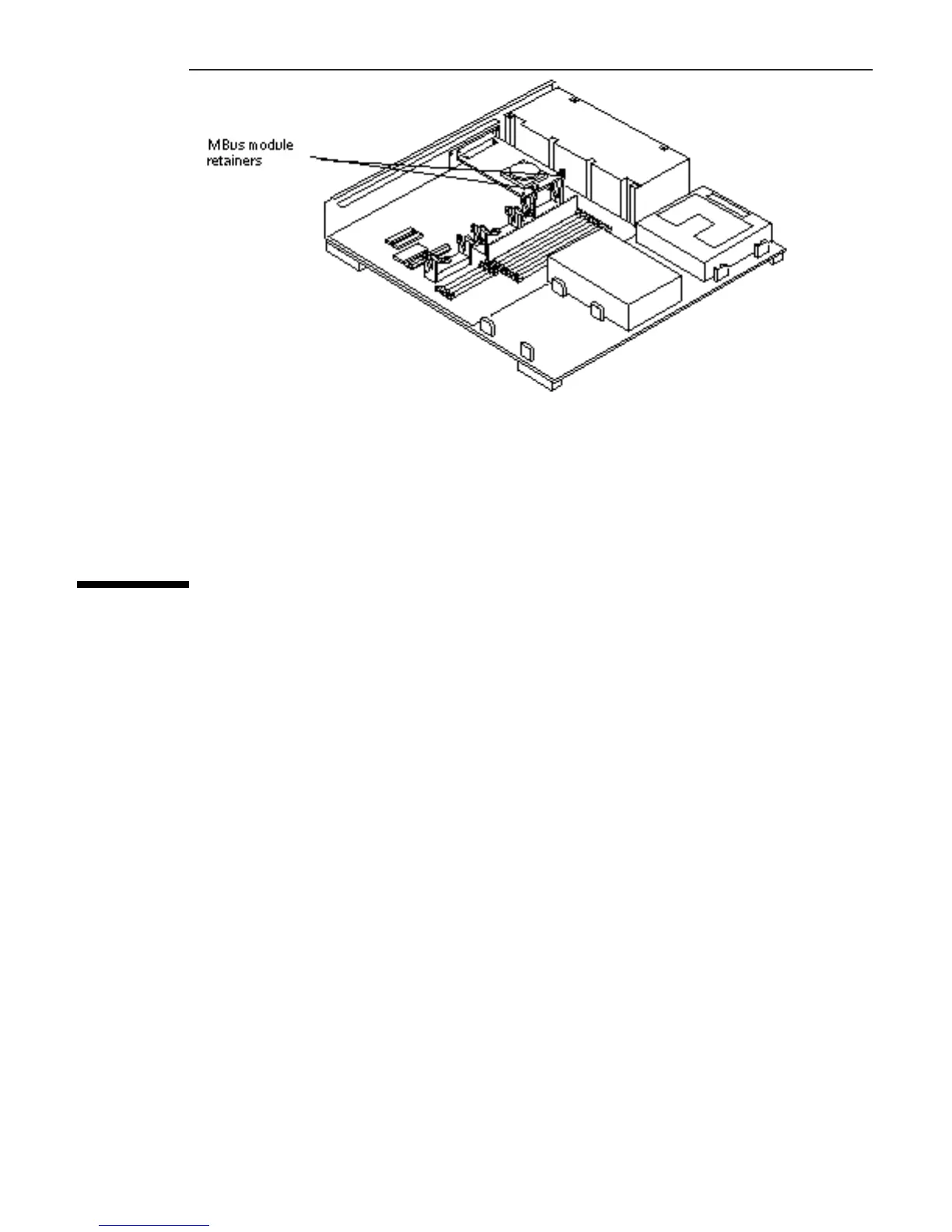
Figure 5–28 MBus Module Retainers
5. To replace an MBus module in slot 1, perform steps 1 through 4.
Installing an SBus Card
1. If required for your card, set the jumpers or switches on the card.
Refer to the guide for your SBus product for the proper settings.
2. Make sure the card retainers for the SBus slot are out of the way.
3. Slide the SBus card at an angle into the back panel of the system unit and
push it against the back panel.
Make sure the mounting plate on the SBus card hooks upward into the back
panel of the system unit. See Figure 5–29.
Main Logic Board 63














 To Next Page