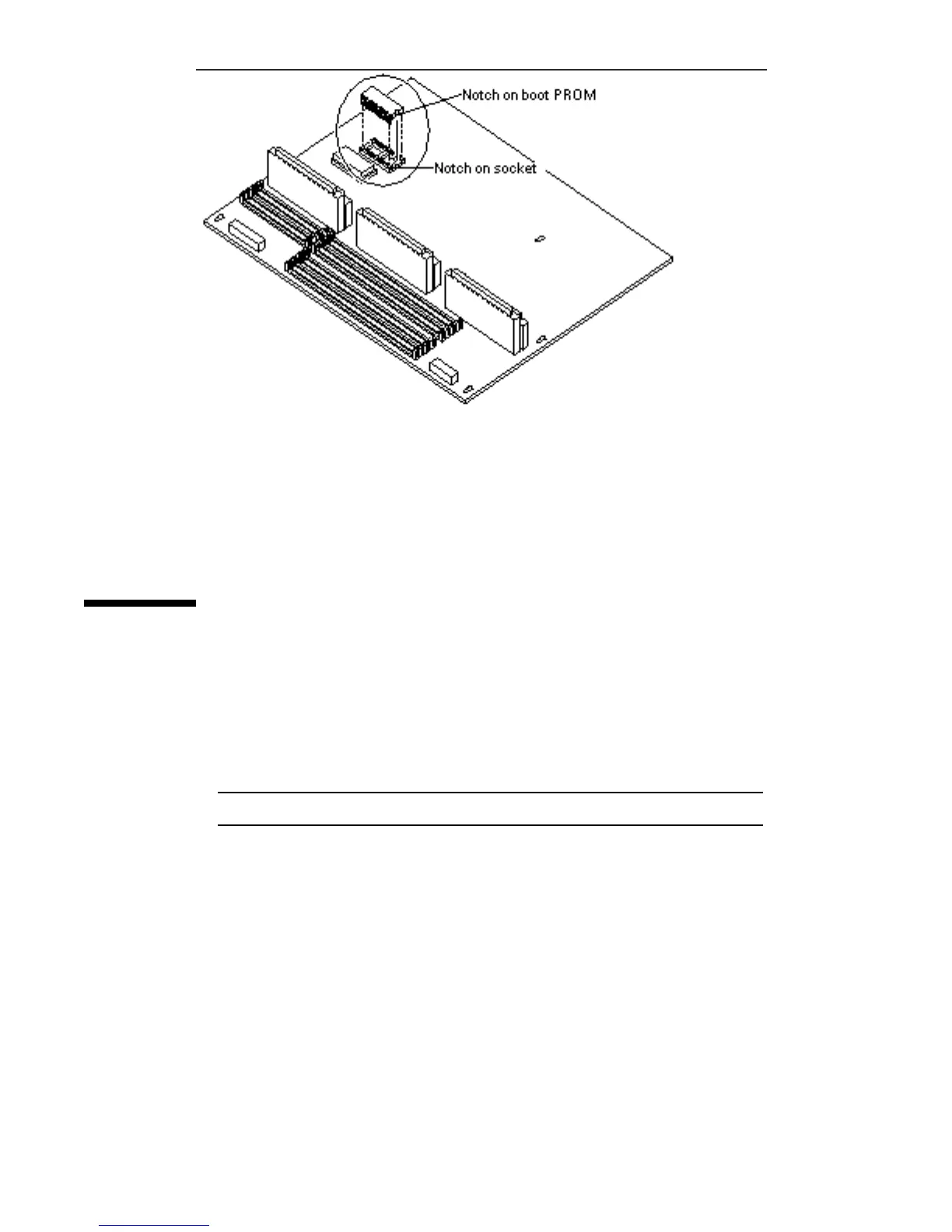
Figure 6–6 Proper Orientation of Open Boot PROM
15. Place the open boot PROM on the antistatic surface.
Installing the Open Boot PROM
1. Unpack the replacement open boot PROM.
2. Hold the PROM by both edges and match the notch on the open boot PROM
with the notch on the socket.
See Figure 6–6.
Note - Do not touch the pins.
3. Align the pins and insert the open boot PROM in the socket.
Match the pin 1 indicator on the open boot PROM with the indicator on the
socket.
78
SPARCstation 10 Service Manual ♦ Revision A, July 1993














 To Next Page