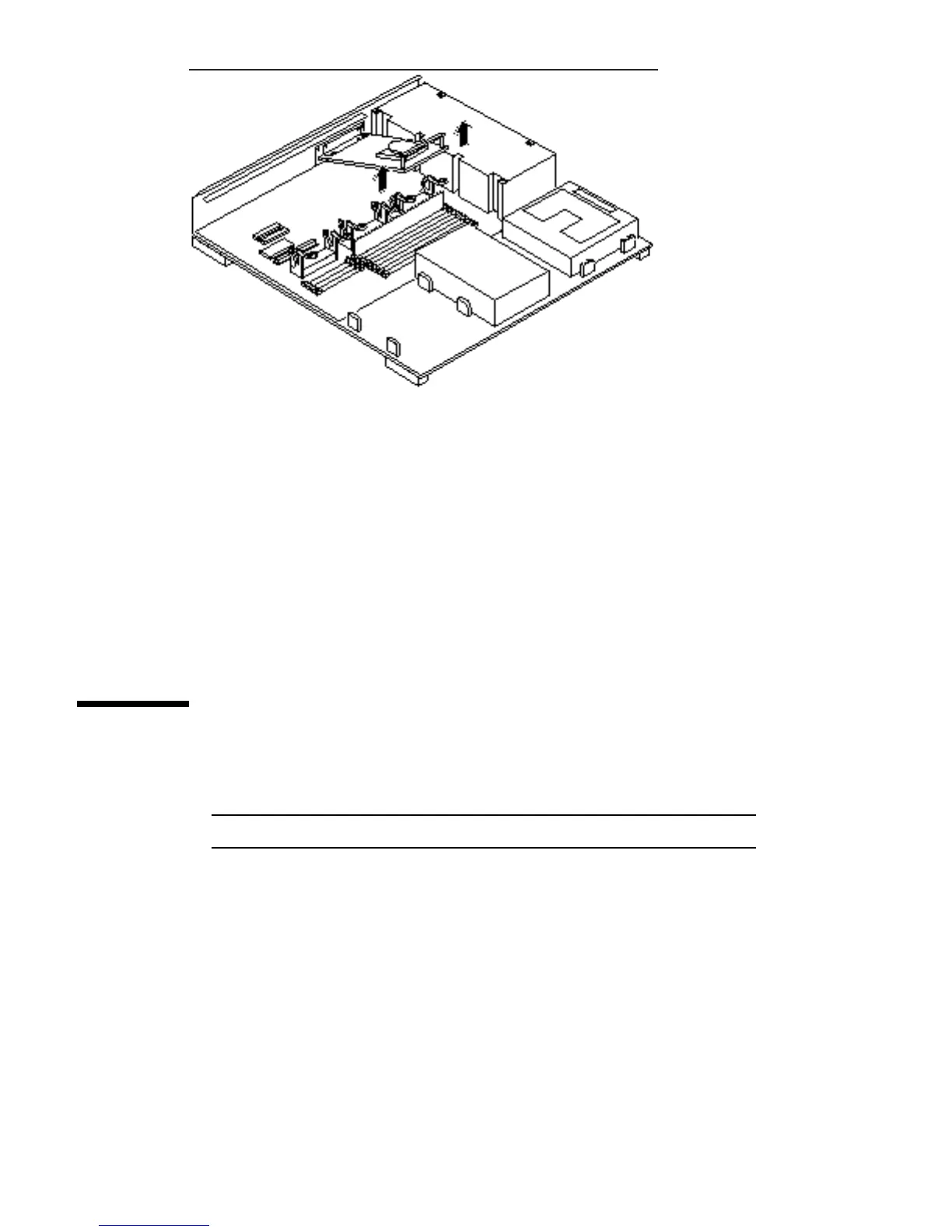
Figure 9–3 Removing an MBus Module
8. Remove the card extractor from the MBus module.
Save the card extractor for future use.
9. Place the MBus module on the antistatic surface.
10. Repeat steps 6 through 10 to remove the module from slot 0, if it is to be
replaced.
Installing an MBus Module
1. Open the protective packaging and take out the MBus module.
Note - MBus slot 0 must have a module installed or the system will not work.
2. Insert the back edge of the module between the metal (lower) and plastic
(upper) tabs on the back panel.
MBus Modules 101














 To Next Page