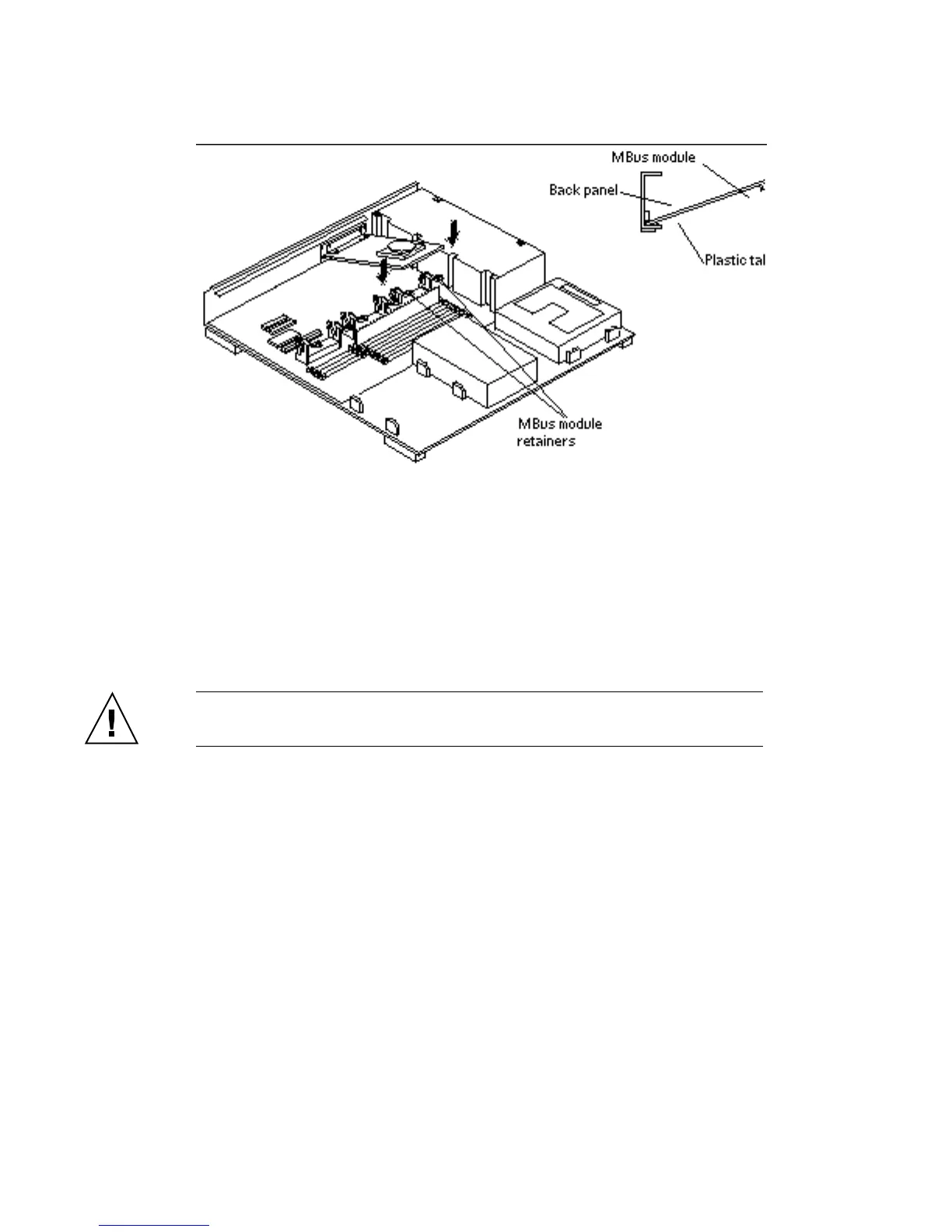
The connector on the MBus module should be facing the appropriate MBus slot.
See Figure 9–4.
Figure 9–4 Installing an MBus Module
3. Push the MBus module connector down into the socket.
See Figure 9–5.
a. Hold the corners of the MBus module connector.
b. Press down firmly until the module sits into place.
Make sure the module is fully inserted into the slot.
Caution - Excessive force may bend or damage the pins.
102 SPARCstation 10 Service Manual ♦ Revision A, July 1993














 To Next Page