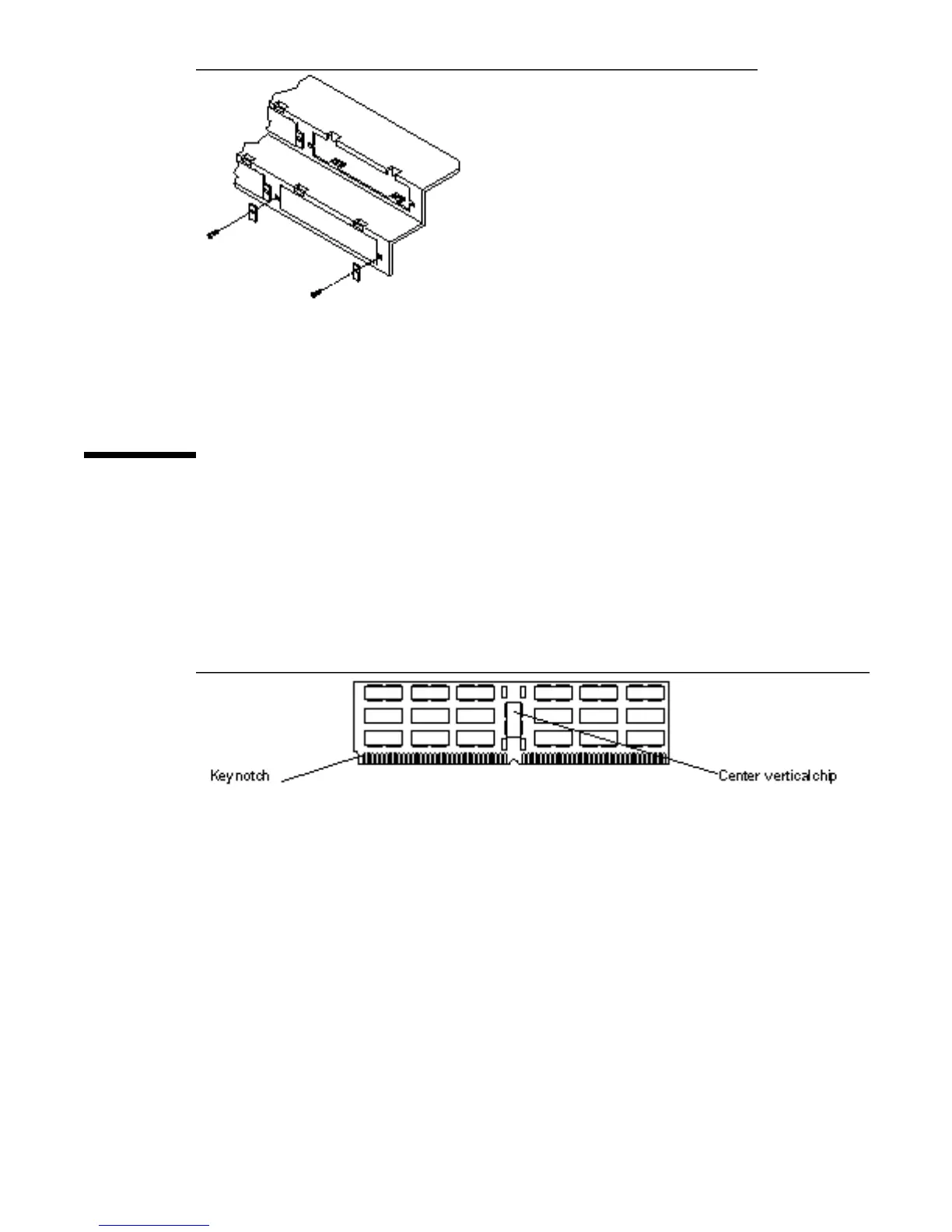
Figure 5–32 SBus Card Backpanel Screws and Washers
Replacing DSIMMs
Remove all of the DSIMMs from the defective MLB and install them in the
corresponding slots on the new MLB mounted in the chassis.
Figure 5–33 and Figure 5–34 show the back and front views of a SPARCstation 10
DSIMM. The surface with the center vertical chip should face the system unit back
panel when installed.
Figure 5–33 SPARCstation 10 DSIMM, Back Panel View
66
SPARCstation 10 Service Manual ♦ Revision A, July 1993














 To Next Page