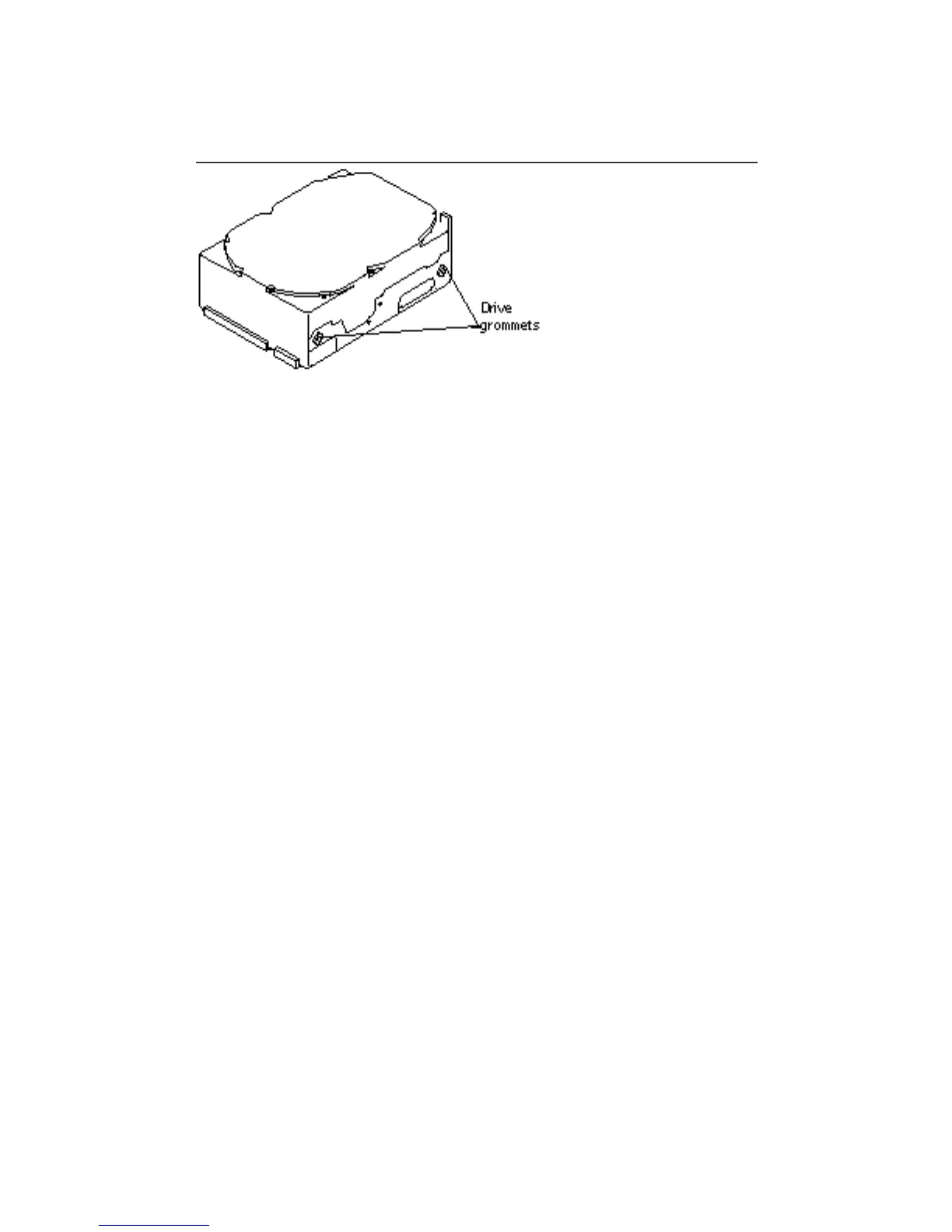
4. Use a Phillips screwdriver to attach four drive grommets to the drive (two on
each side).
Refer to Figure 12–6.
Figure 12–6 424 MByte Hard Disk Drive Grommets
5. Go to Step 1 on page 120 of the section “Installing a 1.05 Gbyte Drive” on page
126 to finish installing a 424 Mbyte disk drive.
Installing a 1.05 Gbyte Drive
1. Put the replacement drive on the antistatic bag the drive was shipped in.
2. Set the SCSI ID jumper settings according to the drive position.
See Table 12–2 and Figure 12–7.
126
SPARCstation 10 Service Manual ♦ Revision A, July 1993














 To Next Page