Replacing the Cover
1. First, remove the wrist strap from your wrist; and then remove it from the
power supply.
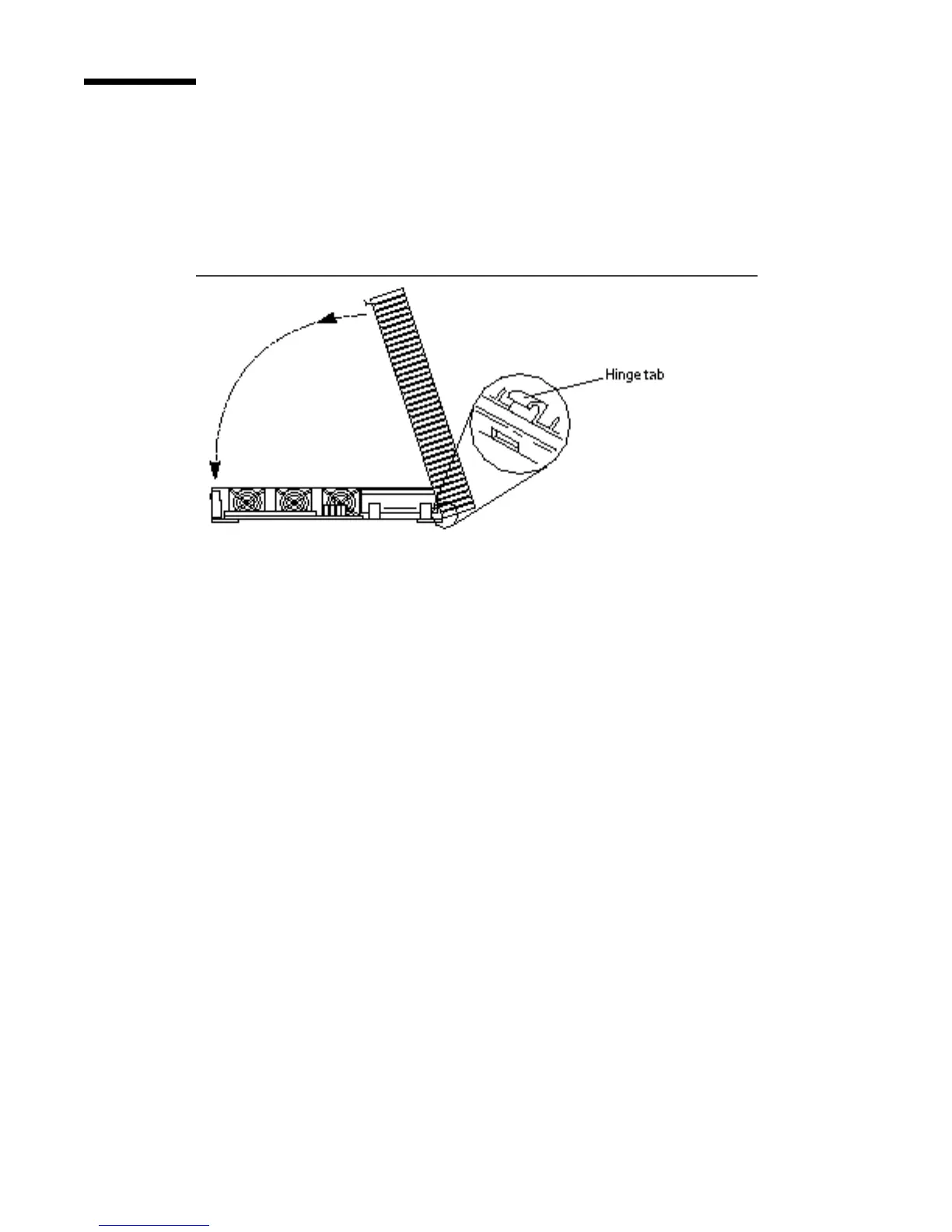
2. Gently guide the cover hinge tabs into the tab slots on the front of the system
unit. Carefully lower the cover onto the system unit.
Figure 4–6 Lowering the Cover
3. Gently press down on the left and right sides of the cover. Guide the cover so
that the retainer clip snaps the cover to the back panel.
See Figure 4–7.
36
SPARCstation 10 Service Manual ♦ Revision A, July 1993














 To Next Page