4. Place an antistatic surface next to the system unit.
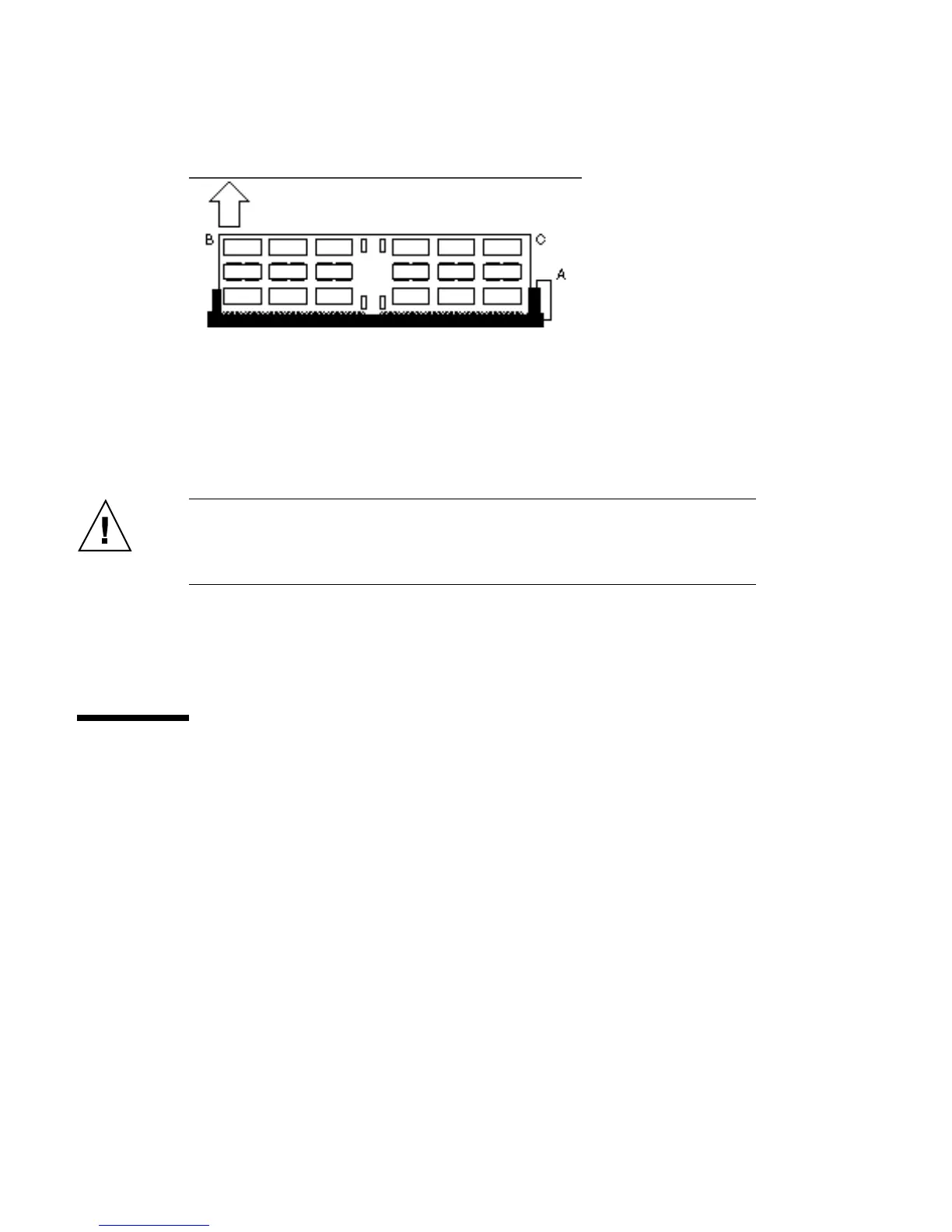
5. Pull the ejection lever (A) in the opposite direction of the DSIMM you want to
eject. See Figure 8–2.
Figure 8–2 Pulling the Ejection Lever
6. Pull up on the other side (B) of the DSIMM.
7. Pull up on both corners (B and C) of the DSIMM until the board clears the
socket.
Caution - DSIMMs installed in your SPARCstation 10 system must be specifically
designed to operate in it. Do not remove DSIMMs from a different Sun system and
install them in a SPARCstation 10.
8. Place the DSIMM on an antistatic surface.
Installing the DSIMM
1. Locate the DSIMM slots on the main-logic board.
DSIMMs 91














 To Next Page