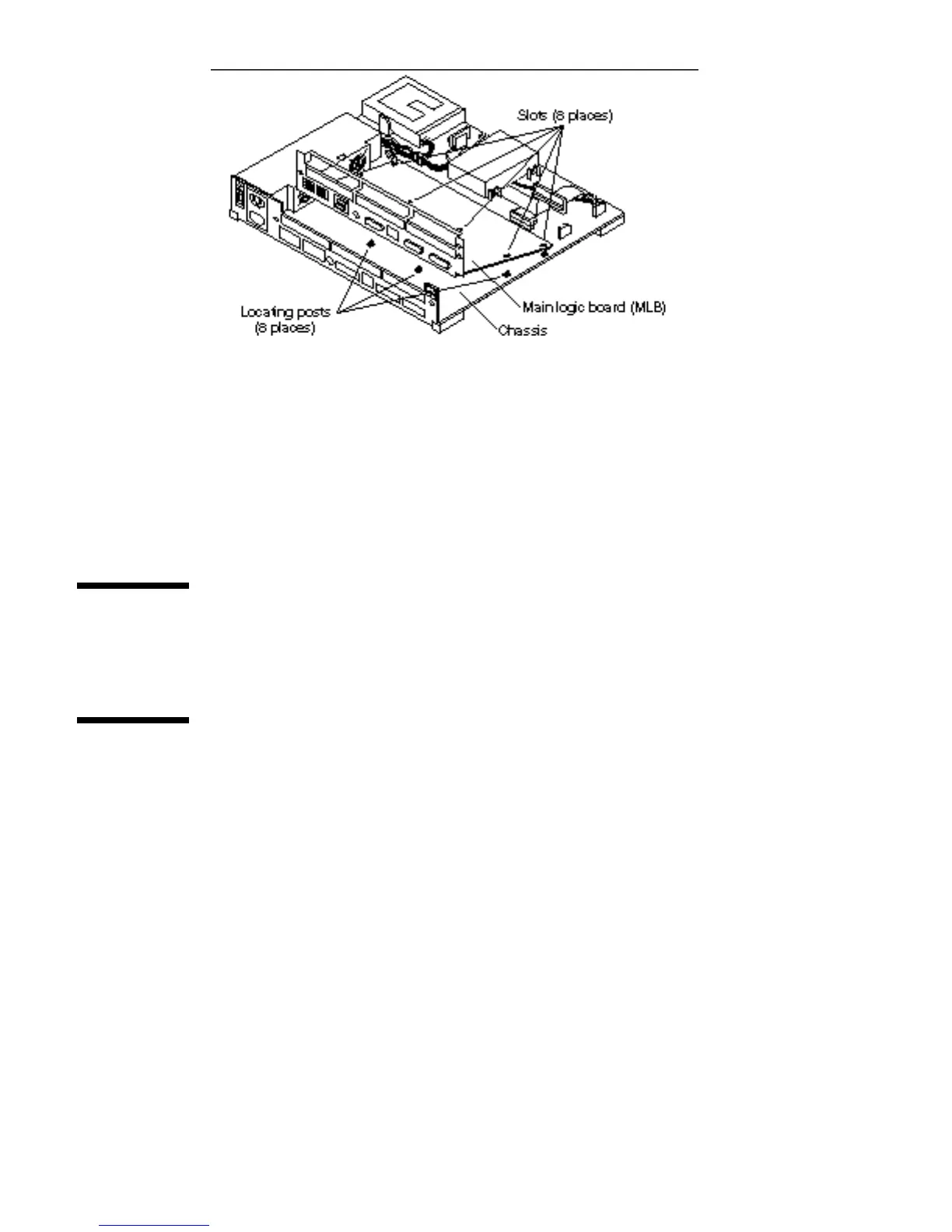
Figure 5–12 Removing the MLB
d. Tilt the rear side of the board and lift it up and over the rear of the chassis.
2. Place the board on an antistatic surface.
Preparing the MLB
Unpack the replacement MLB. Follow the instructions shipped with the board.
Removing Filler Panels
1. Remove each filler panel from the replacement MLB so the rear panels of the
defective and the new MLB look the same.
a. Remove the screws and washers from each filler panel to be removed.
Save the screws and washers for future use. See Figure 5–13.
Main Logic Board 49














 To Next Page