13. Remove the cards from the bottom slots.
Repeat steps 6 through 12 to remove the cards from the bottom slot(s) if there are
any.
Installing an SBus Card
1. Remove the new card from its antistatic bag. Hold the card by the edges.
2. Place the SBus card on an antistatic surface (either an antistatic mat or the
antistatic bag the card was shipped in).
3. If required for your card, set the jumpers or switches on the card.
Refer to the guide for your SBus product.
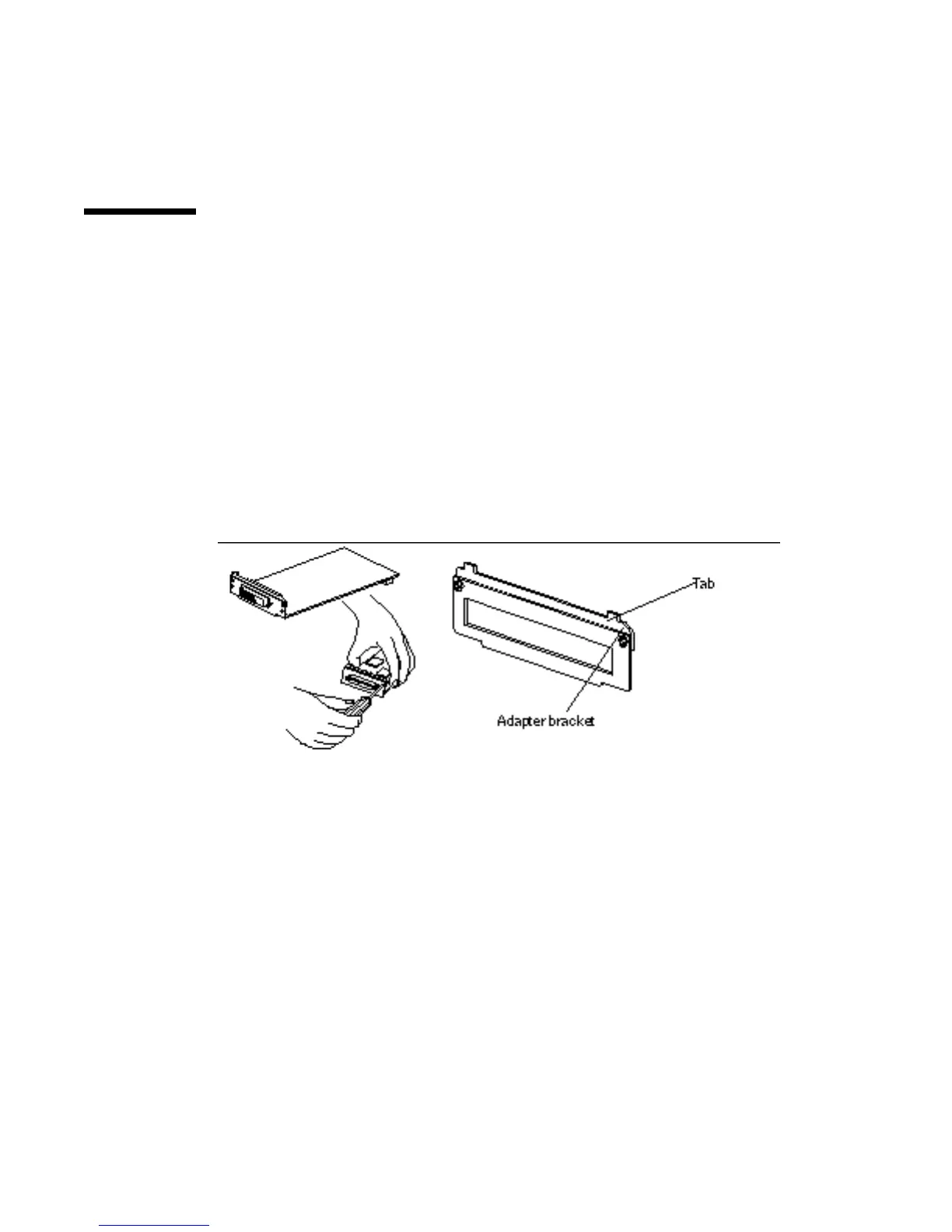
4. If the card you are installing has tabs on the backplate, remove the adapter
bracket.
a. Remove the two screws attaching the adapter bracket to the backplate.
See Figure 10–8.
Figure 10–8 Removing the Adapter Bracket from the SBus Card
b. Save the adapter bracket and the screws. You might need to use them when
installing SBus cards in other systems.
110
SPARCstation 10 Service Manual ♦ Revision A, July 1993














 To Next Page