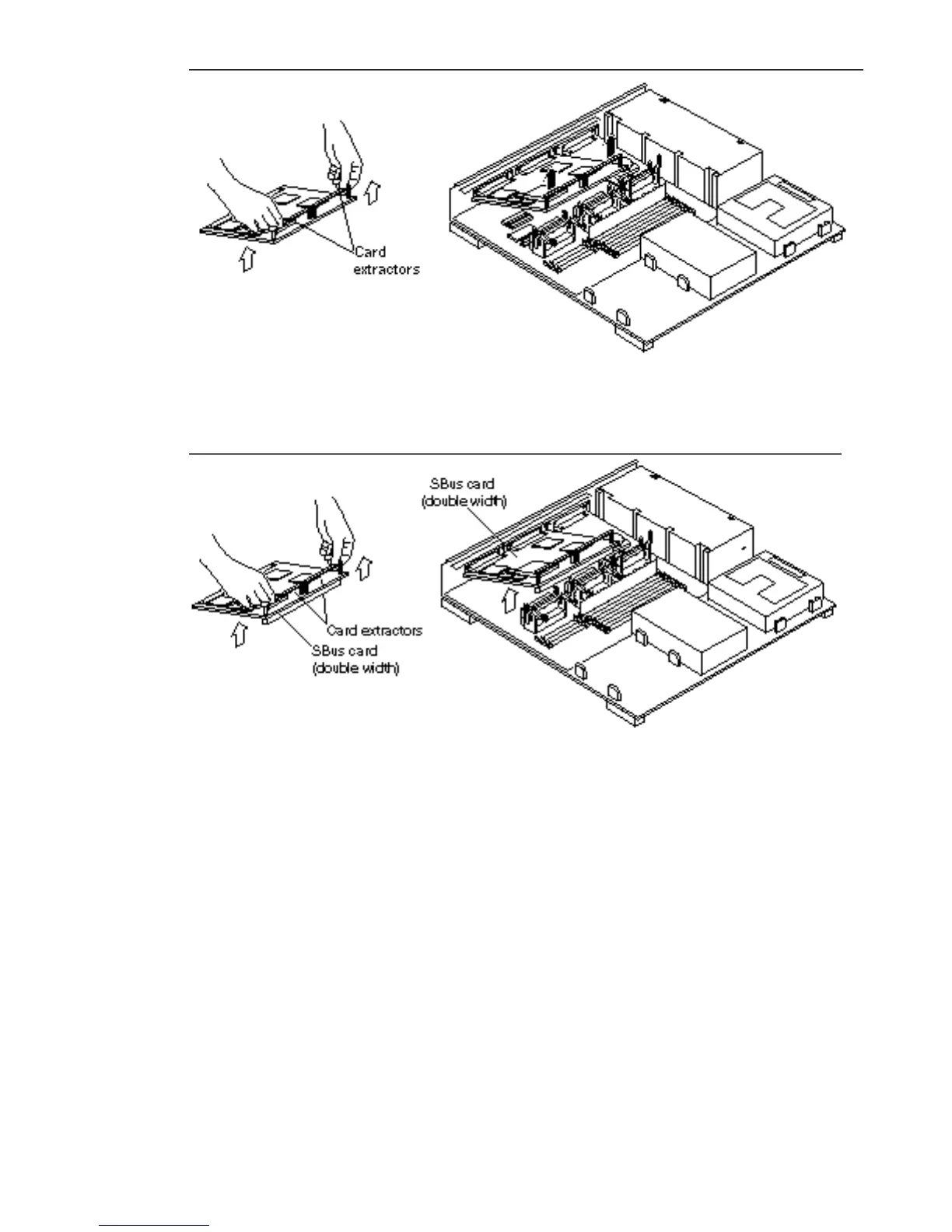
Figure 10–6 Removing a Double-Width SBus Card
Figure 10–7 Removing a Double-width SBus Card
11. Remove the card extractor(s) from the SBus card.
Save the card extractor(s) for future use.
12. Place the SBus card on an antistatic surface.
Save the SBus card for reuse.
SBus Cards 109














 To Next Page