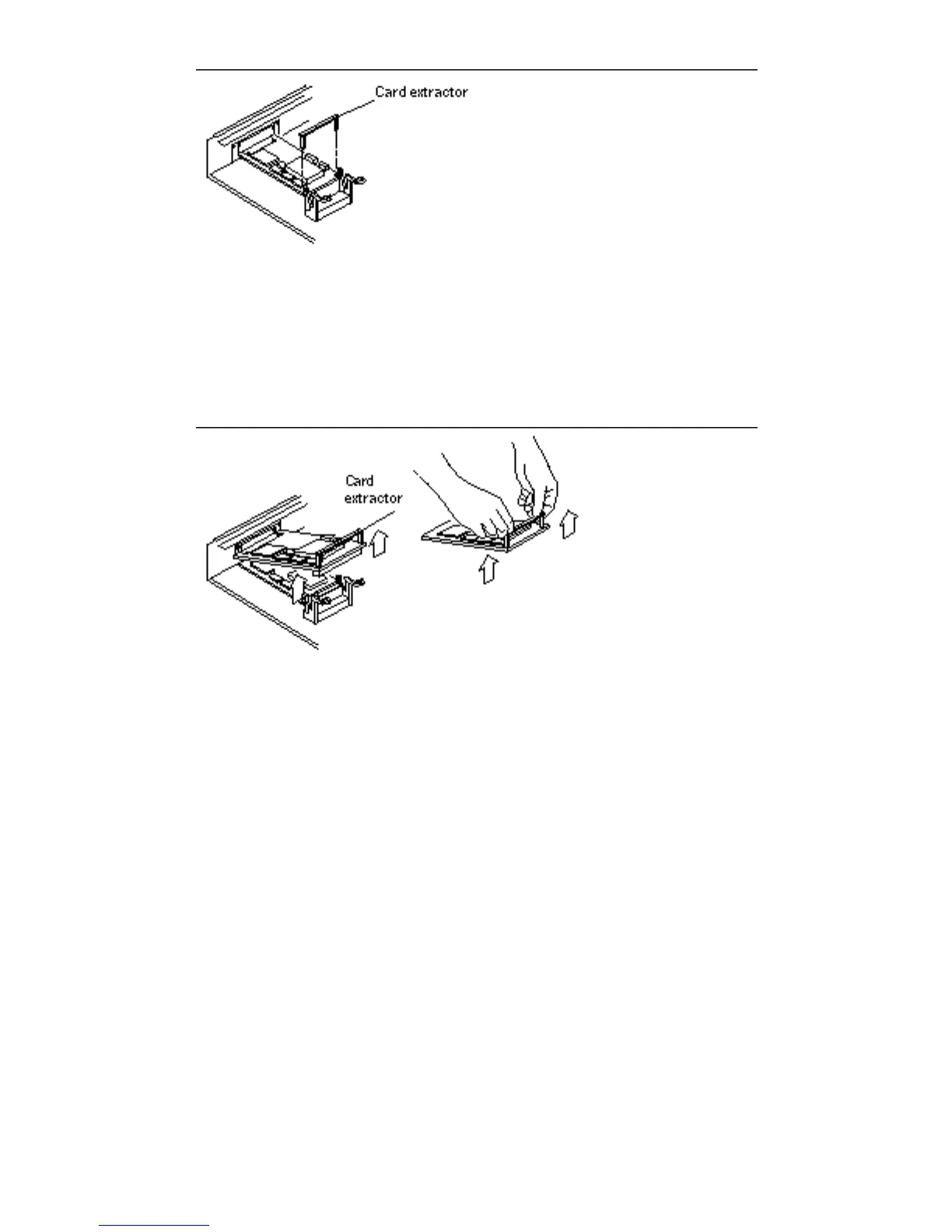
Figure 10–4 Installing or Removing the Card Extractor
10. Hold both ends of the card extractor and pull upwards slowly until the
connector is out of the slot.
See Figure 10–5 and Figure 10–6.
Figure 10–5 Removing a Single-Width SBus Card
108
SPARCstation 10 Service Manual ♦ Revision A, July 1993














 To Next Page