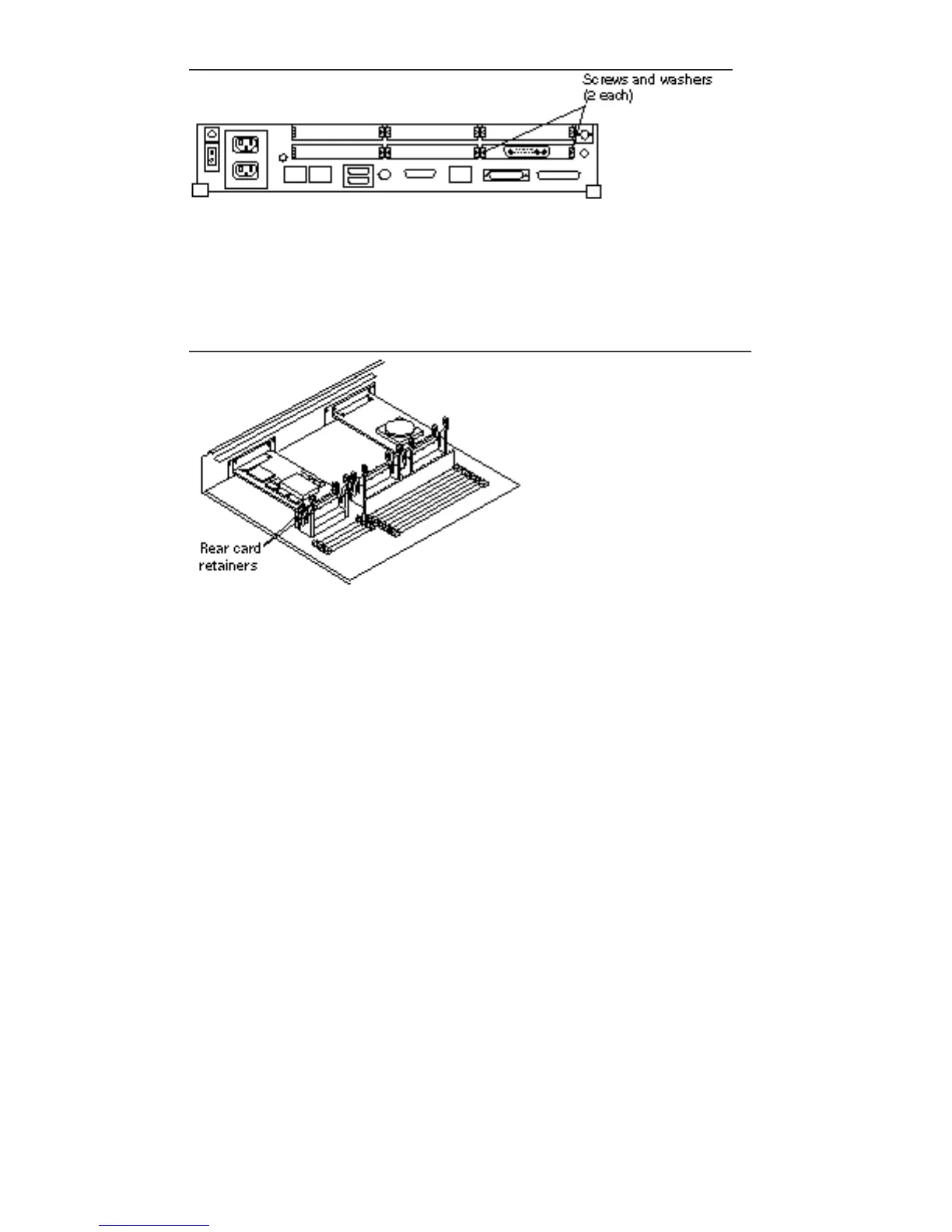
Figure 10–2 Rear Panel—Screws and Washers
8. Push the rear card retainers away from the edge of the SBus card. See Figure
10–3.
Figure 10–3 SBus Rear Card Connectors
9. Install the card extractor (shipped with the system) on the SBus card. Insert the
legs of the extractor into the holes on either side of the connector. See Figure
10–4.
Install two card extractors on an SBus card that occupies two slots.
SBus Cards 107














 To Next Page