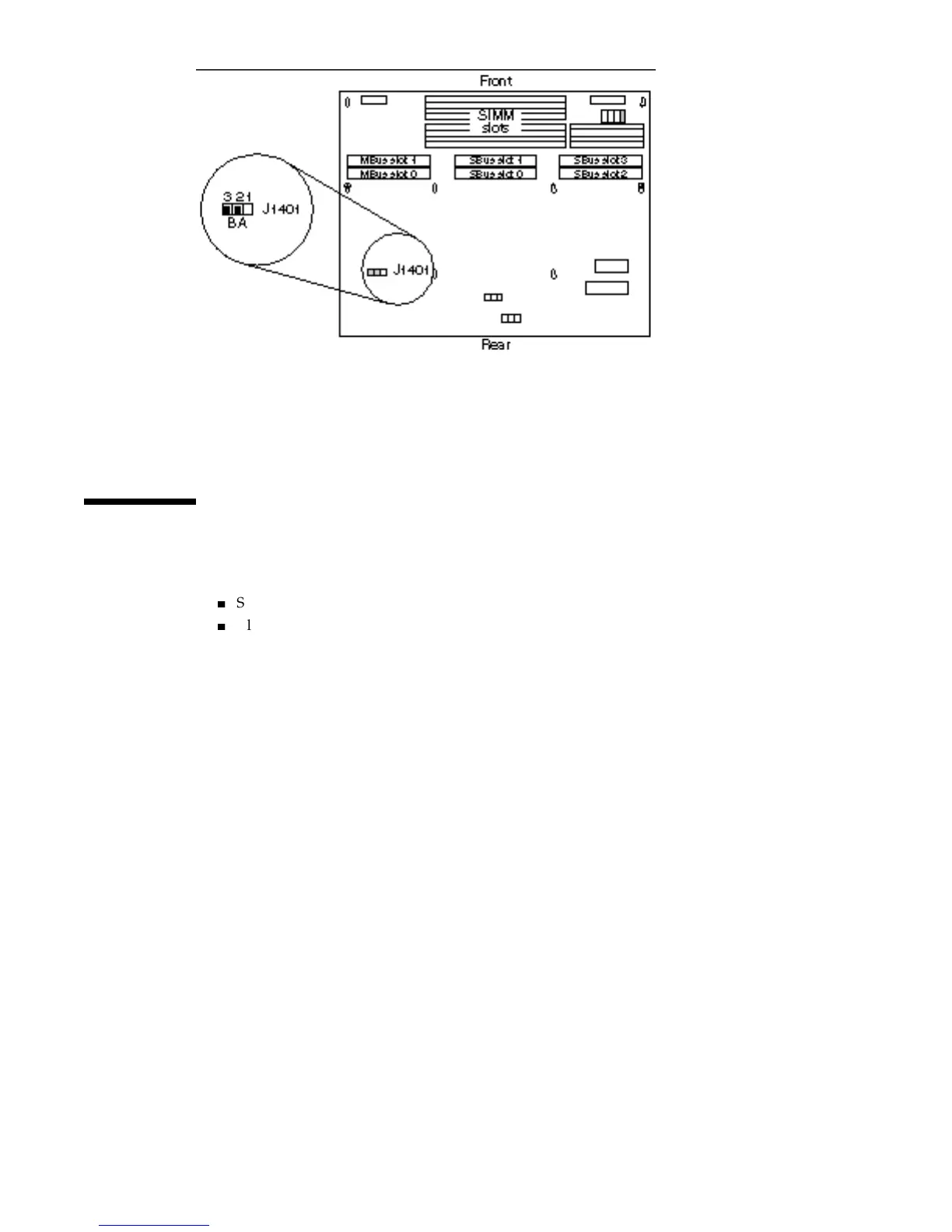
Figure 5–20 Mode B Clock Speed Jumper Speed Setting (1-Jumper Board)
Installing the MLB
1. Set the jumpers on the system board.
4
Serial port
4
Clock speed
Refer to “Setting Jumpers” on page 51 in this chapter.
2. Orient the board over the chassis so the connectors are facing the rear of the
chassis.
3. Tilt the connector side of the board and lower it under the rear of the chassis.
4. Lower the board into the chassis and slide it to the rear of the chassis.
The eight locating posts in the chassis should fit the eight slots on the MLB. See
Figure 5–21.
56
SPARCstation 10 Service Manual ♦ Revision A, July 1993














 To Next Page