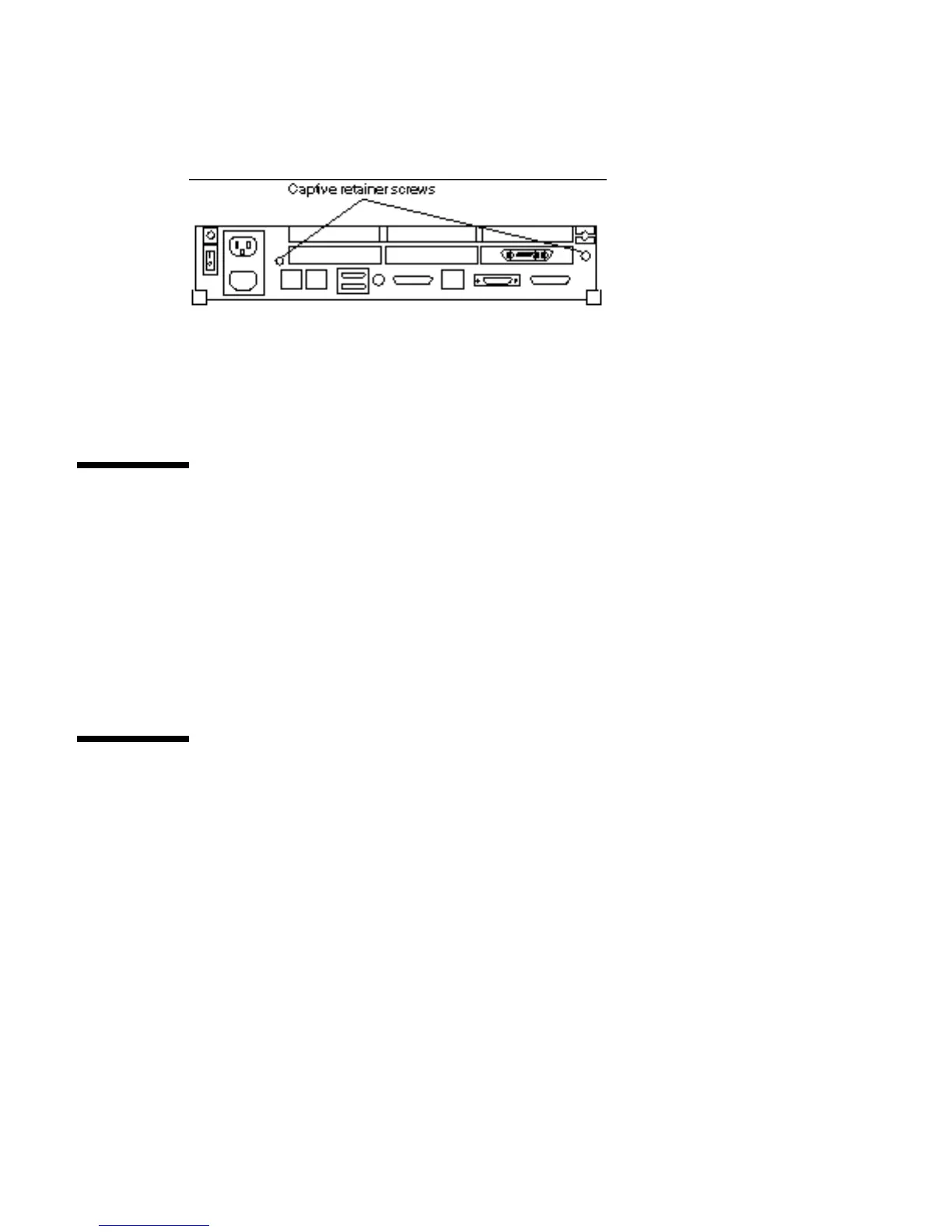
5. Use a Phillips screwdriver to tighten the captive screw on the rear panel. Do
not over tighten the screw.
See Figure 17–3.
Figure 17–3 Rear Panel Captive Retainer Screws
Connecting a Desktop Storage Pack
To connect a Desktop Storage Pack (DSP) to the system unit:
1. Connect the connector on the SCSI cable to the SCSI port on the system unit’s
back panel.
2. See the Desktop Storage Pack Installation Guide for additional installation
information.
Connecting an External Storage Module
To connect the External Storage Module (ESM) to the system unit:
1. Connect the SCSI connector on the SCSI adapter cable to the SCSI port on the
system unit back panel.
2. See the Sun External Storage Module for additional installation instructions.
Powering On the System 171














 To Next Page