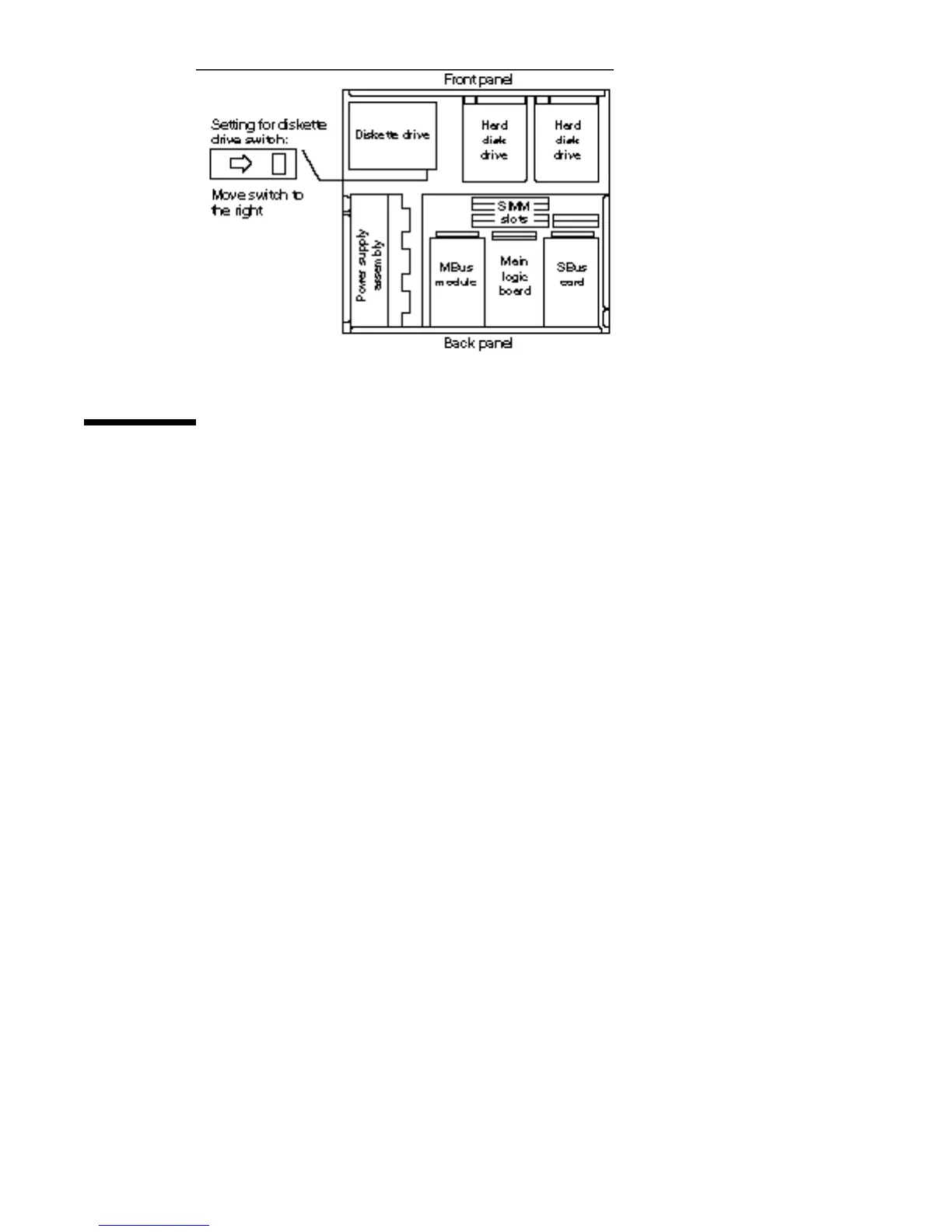
Figure 13–3 Diskette Drive Switch Setting
Installing the Diskette Drive
To install the diskette drive in the system:
1. Position the drive unit so that its data and power cables are facing the inner
part of the chassis.
See Figure 13–4.
2. Lower the drive into the chassis and align the three grommets into the drive
mounts.
138
SPARCstation 10 Service Manual ♦ Revision A, July 1993














 To Next Page