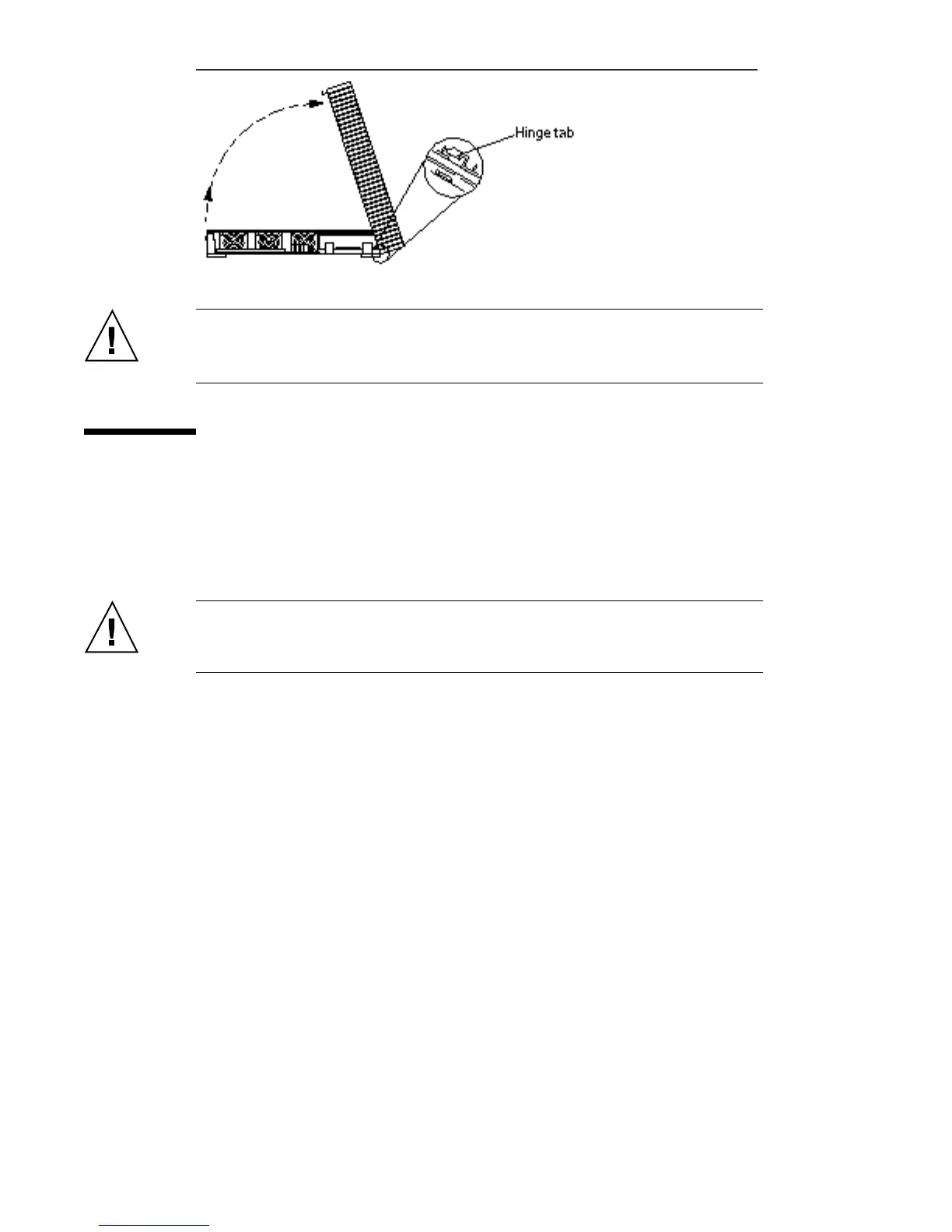
Figure 4–3 Removing the System Unit Cover, Side View
Caution - Before powering on your system again, you must replace the cover
following the procedure later in this chapter. It is not safe to operate the
SPARCstation 10 system without the top cover in place.
Attaching the Wrist Strap
The wrist strap provides grounding for static electricity between your body and the
system unit chassis. Electrical current and voltage do not pass through the wrist
strap. Attach one end of the wrist strap to your wrist and the other end to the metal
case of the power supply. A wrist strap is shipped with parts that require grounding.
Caution - Boards and modules can be damaged by harmful electrical charges if you
do not wear a wrist strap.
1. Unwrap the first two folds of the wrist strap. Wrap the adhesive side firmly
against your wrist.
See Figure 4–4.
34
SPARCstation 10 Service Manual ♦ Revision A, July 1993














 To Next Page