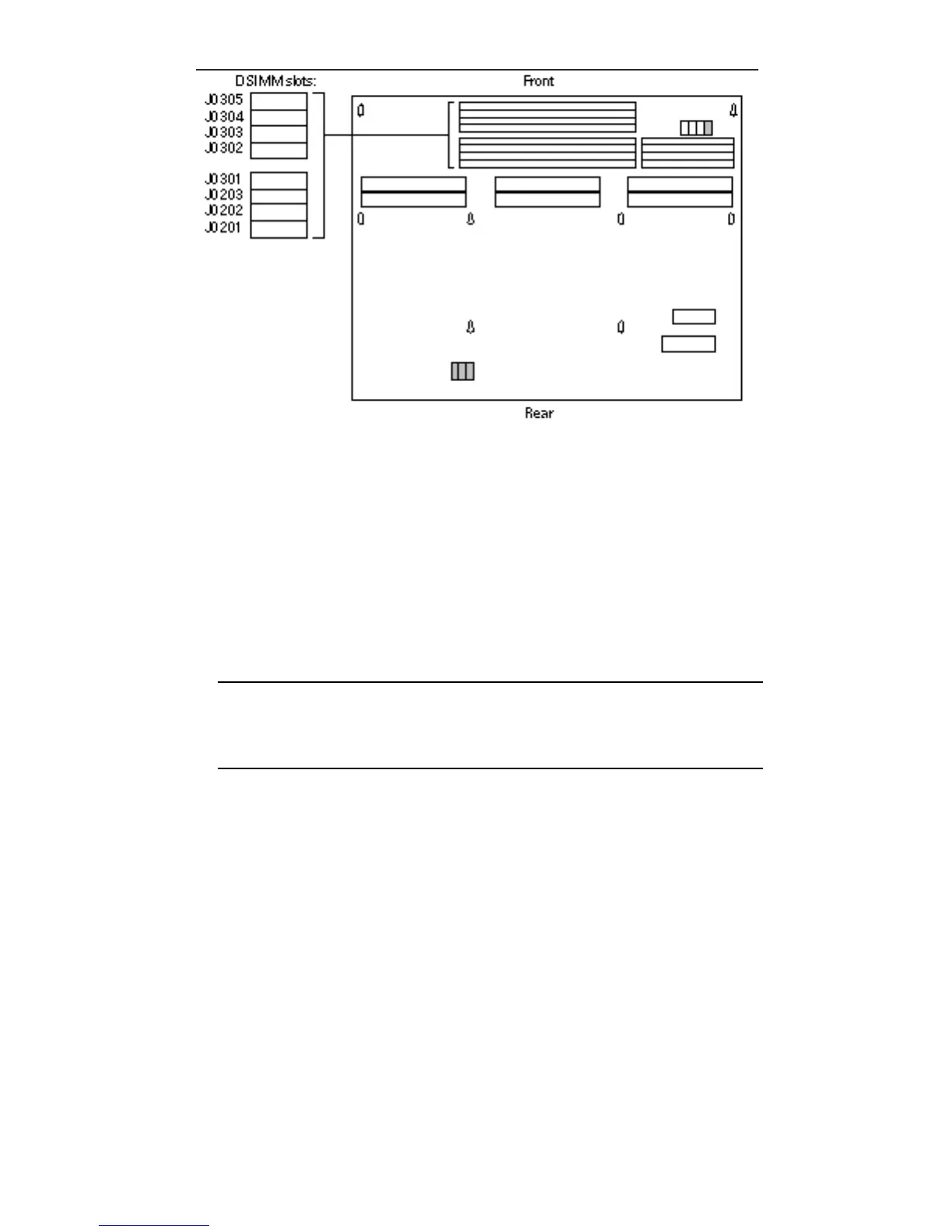
Figure 8–3 DSIMM Slot Locations on Main-Logic Board
2. Attach the wrist strap that came with your DSIMM to your wrist and the metal
casing of the power supply.
3. Open the protective packaging and take out the DSIMM
4. Place the DSIMM on the static shielding bag
5. See Table 8–1 for the proper installation sequence.
Note - Slot J0201 must always have a DSIMM installed in order for your system to
function properly. In any SPARCstation 10 system, it is the first slot to be filled
with a DSIMM. Each additional DSIMM should be installed in the sequence
shown in Table 8–1.
92 SPARCstation 10 Service Manual ♦ Revision A, July 1993














 To Next Page