TABLE 8–1 DSIMM Installation Sequence
Installation Sequence Slot
1 J0201
2 J0304
3 J0203
4 J0302
5 J0303
6 J0301
7 J0305
8 J0202
If your system did not come with a DSIMM Insertion Tool, press the DSIMM into
place with your fingers. If your system did come with a DSIMM Insertion tool,
(see Figure 8–4 and Figure 8–5), follow the instructions in Steps 1 through 5.
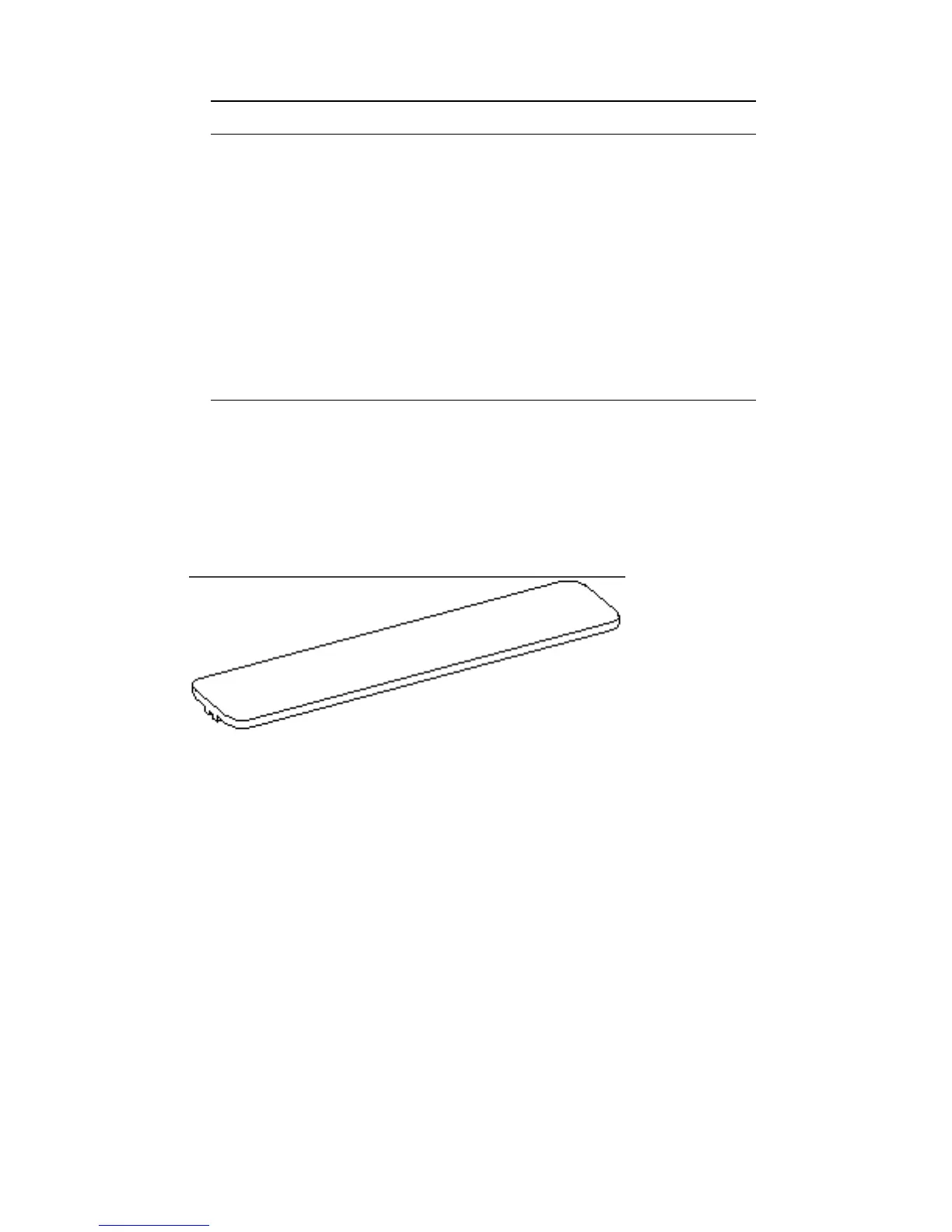
6. Identify the insertion tool and its two surfaces.
Figure 8–4 Insertion Tool, Pushing Surface
DSIMMs 93














 To Next Page