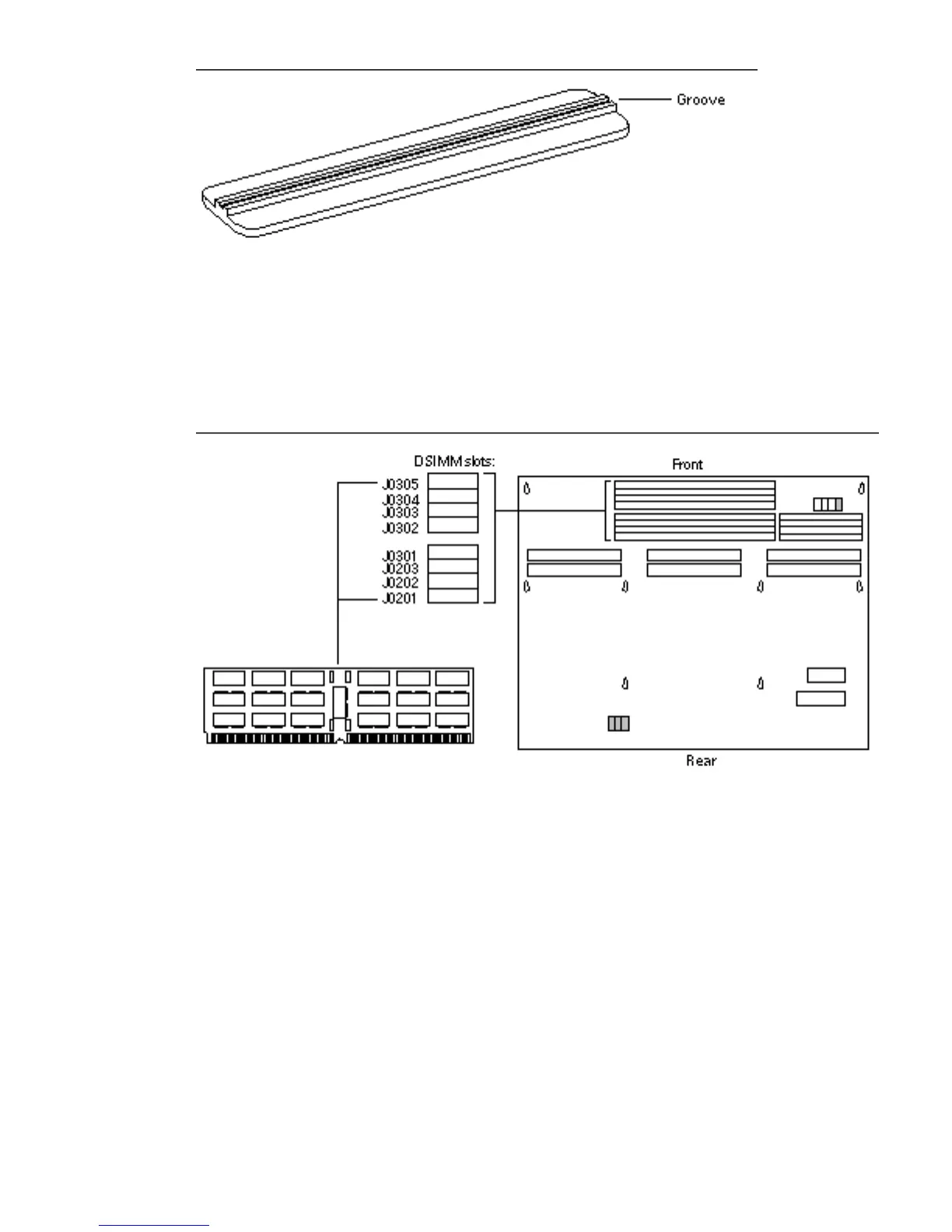
Figure 8–5 Installation Tool, Grooved Surface
7. Holding a DSIMM at its edges, place it into the DSIMM plastic guides.
The surface without a center vertical chip must face the system unit front panel.
Be sure the center vertical chip is visible and that the key notch. See Figure 8–6.
Figure 8–6 Inserting a DSIMM, Front Panel View
8. Place the grooved surface of the insertion tool on the upper edge of the
DSIMM board. See Figure 8–7.
94
SPARCstation 10 Service Manual ♦ Revision A, July 1993














 To Next Page