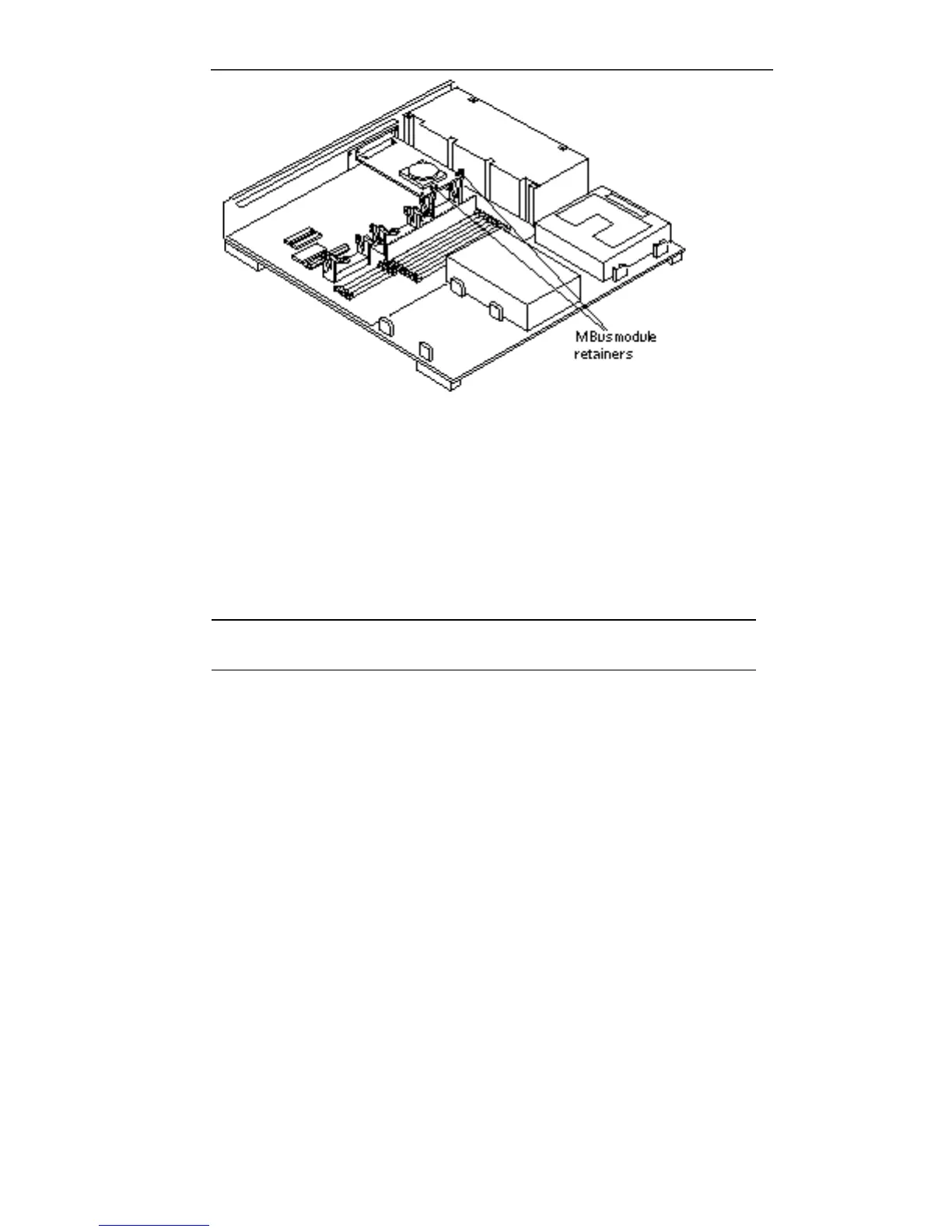
Figure 9–5 Locking the MBus Module Retainers
4. Push and lock the retainer arms over the edge of the MBus module.
See Figure 9–5. If the system has two MBus modules (slot 1 on top of slot 0), and
the defective module is in slot 0, install the module in slot 0 first. Follow steps 2
through 6 to replace module in slot 1.
Note - If the module is not fully inserted into the MBus slot connector, the card
retainers may not lock over the module’s edge.
5. Detach the wrist strap and replace the cover.
Refer to the procedures in Chapter 17.
6. Reconnect any peripherals to the system.
7. Power on the system.
MBus Modules 103














 To Next Page