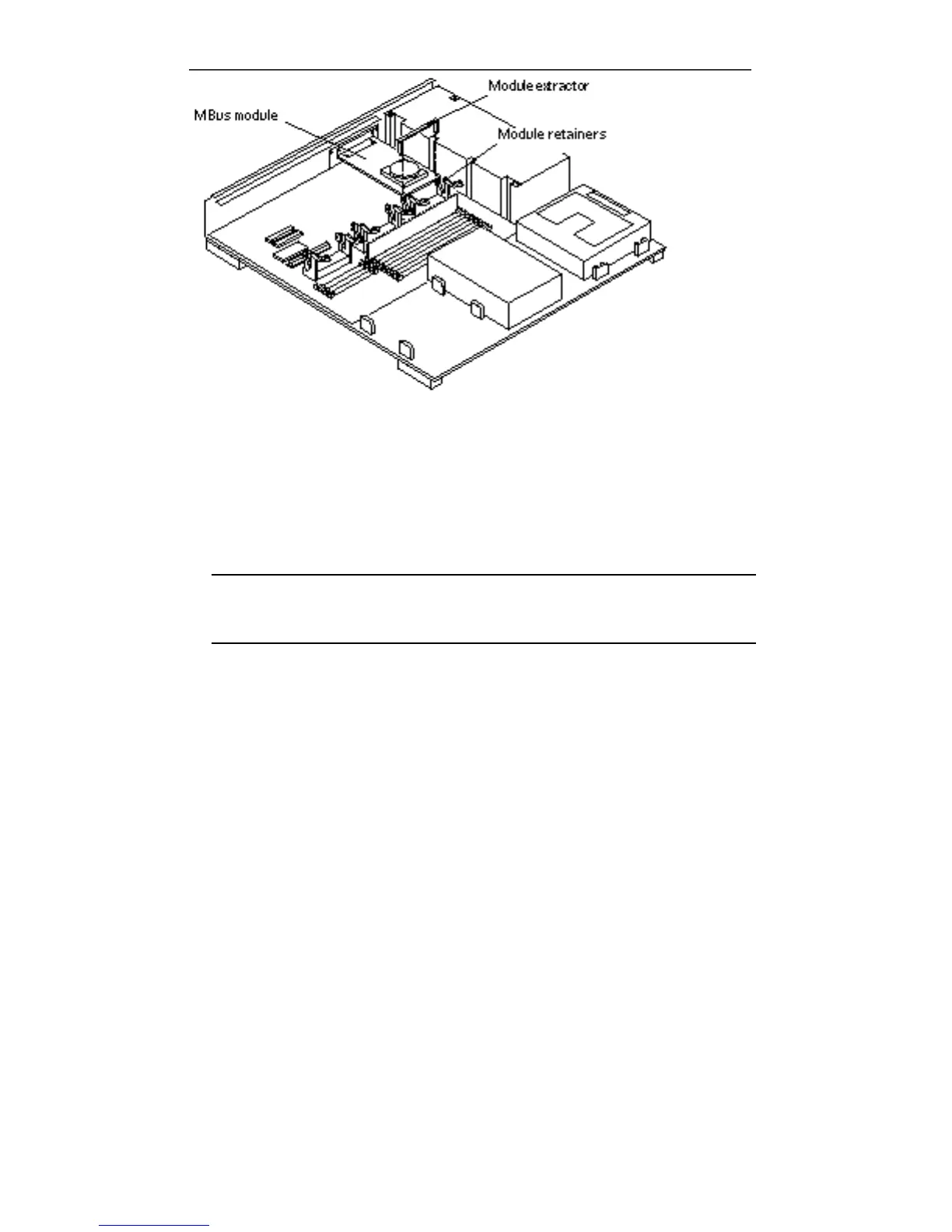
Figure 5–7 MBus Module—Retainers and Extractor
2. Install the card extractor on the MBus module.
3. Hold edges of the card extractor and pull upwards slowly until the MBus
module is out of the slot.
Note - If your system was not shipped with a card extractor, place your thumb
and one finger on the corners of the MBus module near the module connector.
Pull up on both corners of the module until the connector is out of the slot.
Main Logic Board 45














 To Next Page