5. Wait until instrument’s settings are
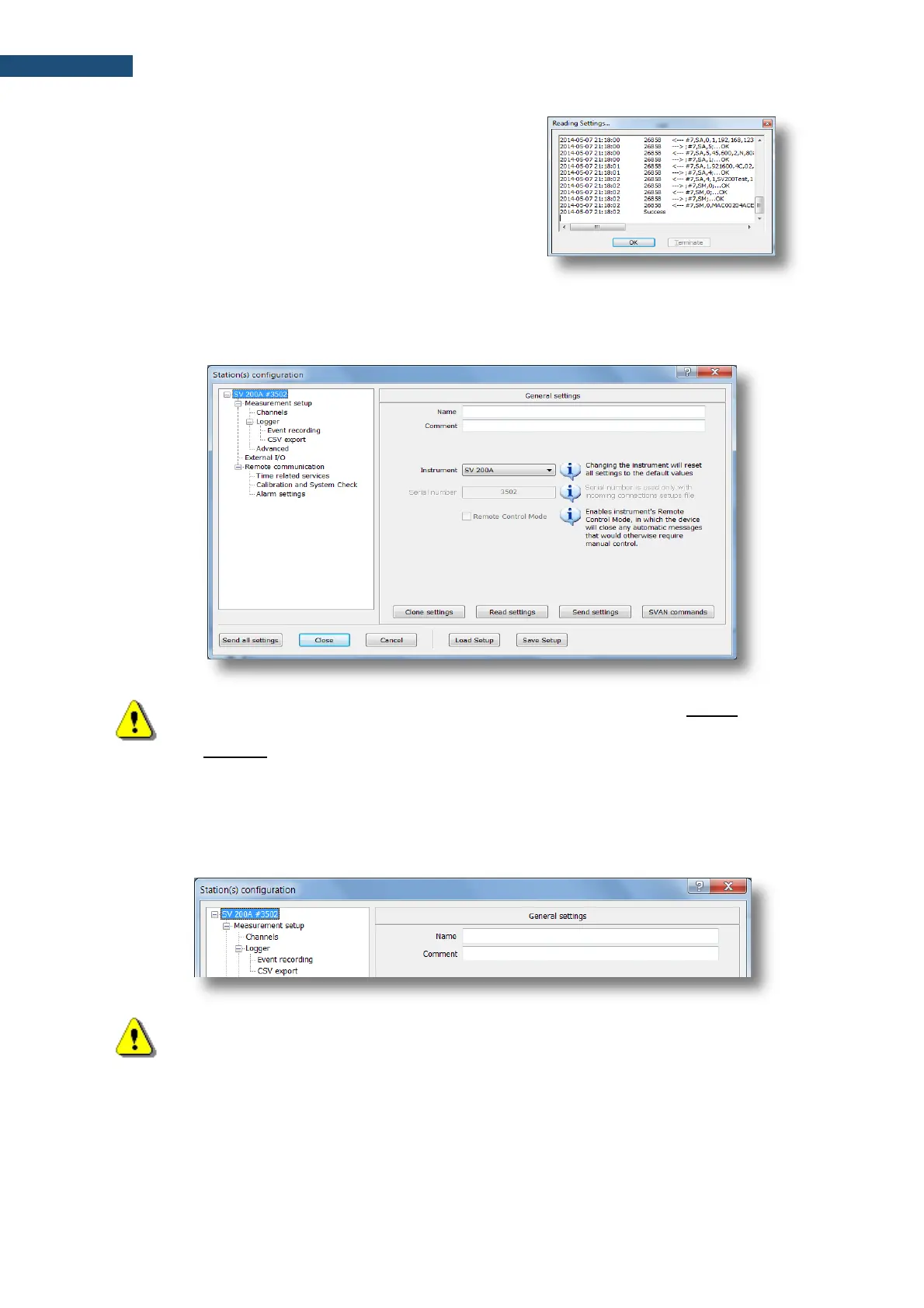
downloaded, which will be signalized by
Success written in the last line of the Reading
Settings… box. Click OK to proceed.
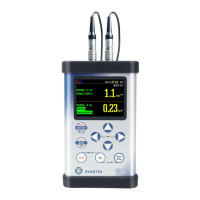
6. Station(s) configuration window will appear. It allows the user to modify general instrument
settings, measurement setup, external I/O setup, internet services and system events settings.
Remote communication setup is available only for USB connection.
Note: The Station(s) configuration window enables configuring only general instrument
settings. The SVAN Files window with the use of Svan file editor function enables the
full range of settings – see “SvanPC++ User Manual”.
9.8.1 General settings
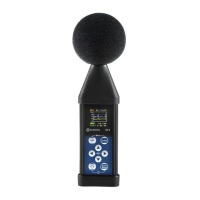
In the General settings tab, you can enter Name and Comment to the station. This can be useful while
using many measurement devices.
Note: Name appears on the Station list of the SvanNET web-service.
9.8.2 Measurement setup
The Measurement setup tab consists of the following parameters: measurement function (Function:
Level meter, 1/1 Octave or 1/3 Octave), delay of the measurement start (Start delay), integration
period/measurement run time (Integration period: INFINITE, 1 s ÷ 24 h), RMS detector type


 To Next Page