9.8.7 Advanced settings
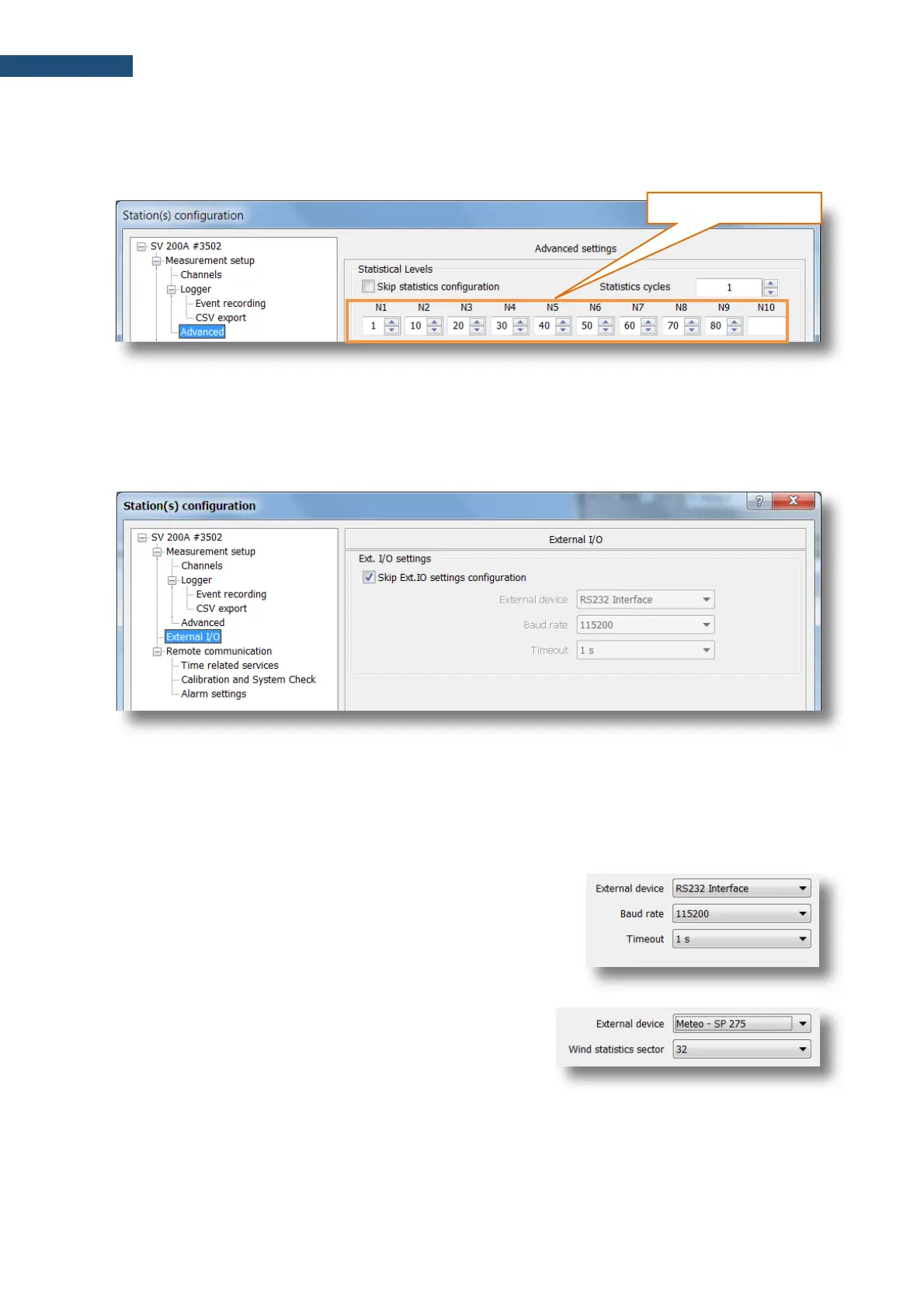
The Advanced settings tab enables defining ten statistical levels, named from N1 to N10, to be
calculated and saved in the results files.
All values must be in the integer range of 1 to 99. Each value can be set independently from the others.
9.8.8 External I/O
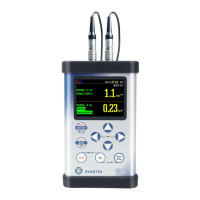
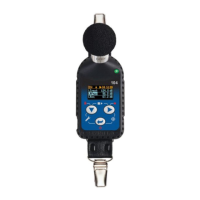
The External I/O tab allows you to select the device connected to SV 200A via the MULTI I/O socket.
The External device selector list contains devices that are connected via the MULTI I/O socket.
• RS 232 Interface,
• Meteo-SP 275 denotes SP 275 meteo module.
Selecting either one of the devices alters the content of positions for the selected external device.
The RS 232 Interface configuration requires setting two
additional parameters: Baud rate and Timeout.
The Meteo option requires setting the number of Wind
statistics sectors.
Wind statistics include wind direction, maximum wind speed
and average wind speed distributions.


 To Next Page