Tally Dascom 2600 2610
74
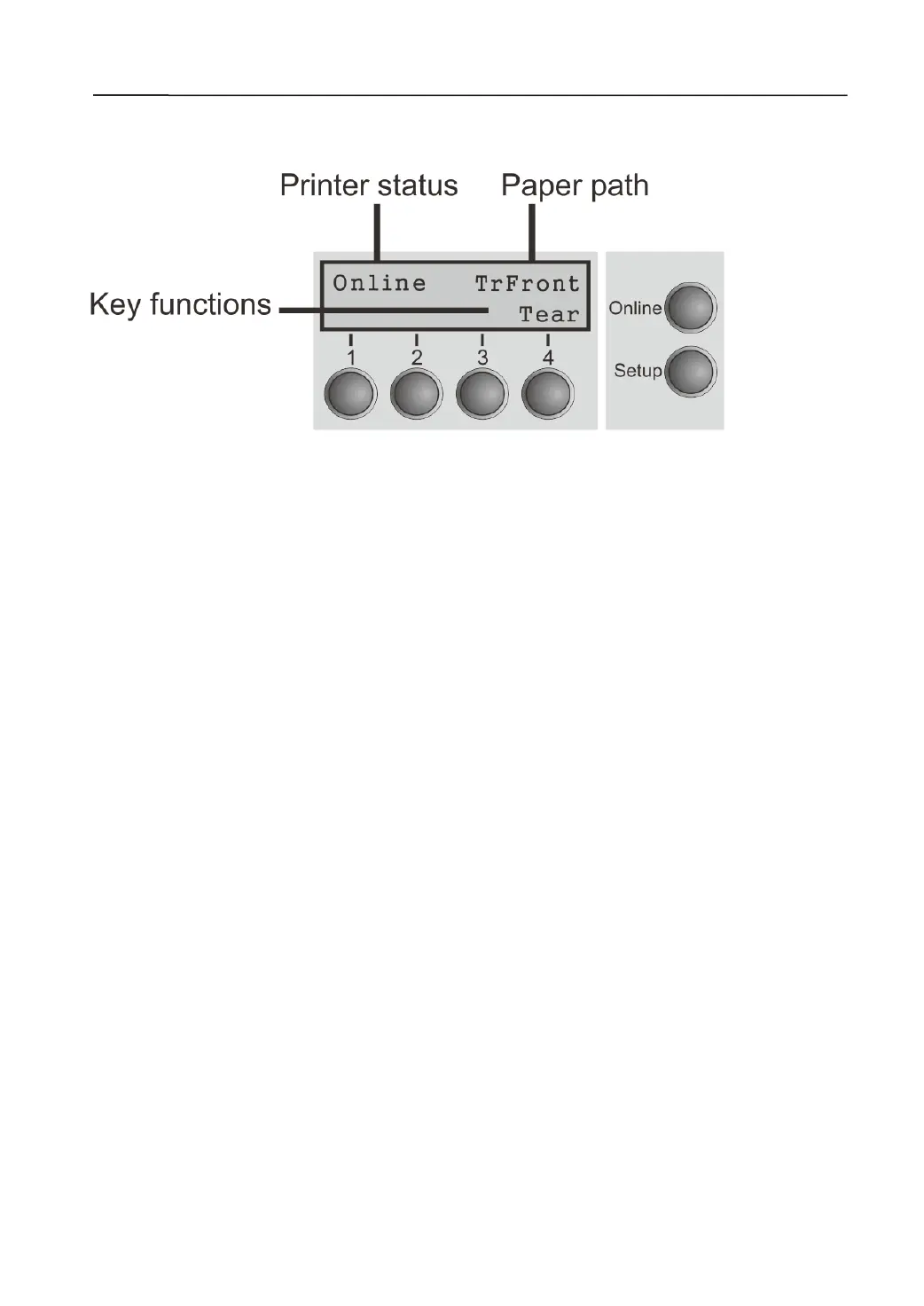
LCD Panel
If you keep one of the following keys pressed during power-on until the printer has completed
initialization, the corresponding function is activated:
◆ If you keep the Online key depressed while turning on the printer, you enter the printer’s
advanced menu mode.
◆ If you keep the Setup key depressed while turning on the printer, you regain access to the
printer menu if you had locked it before with t he help of the Menu Lock function.
◆ If all four function keys (keys 1 to 4) are depressed simultaneously while turning on the
printer, all printer settings are reset to the default values, except the Forml (Form length)
setting in advanced menu mode.
◆ Holding Function key 4 while turning on the printer, it prints out the parameter settings.



 To Next Page