Tally Dascom 2600 2610
78
6.3.5 Show Function
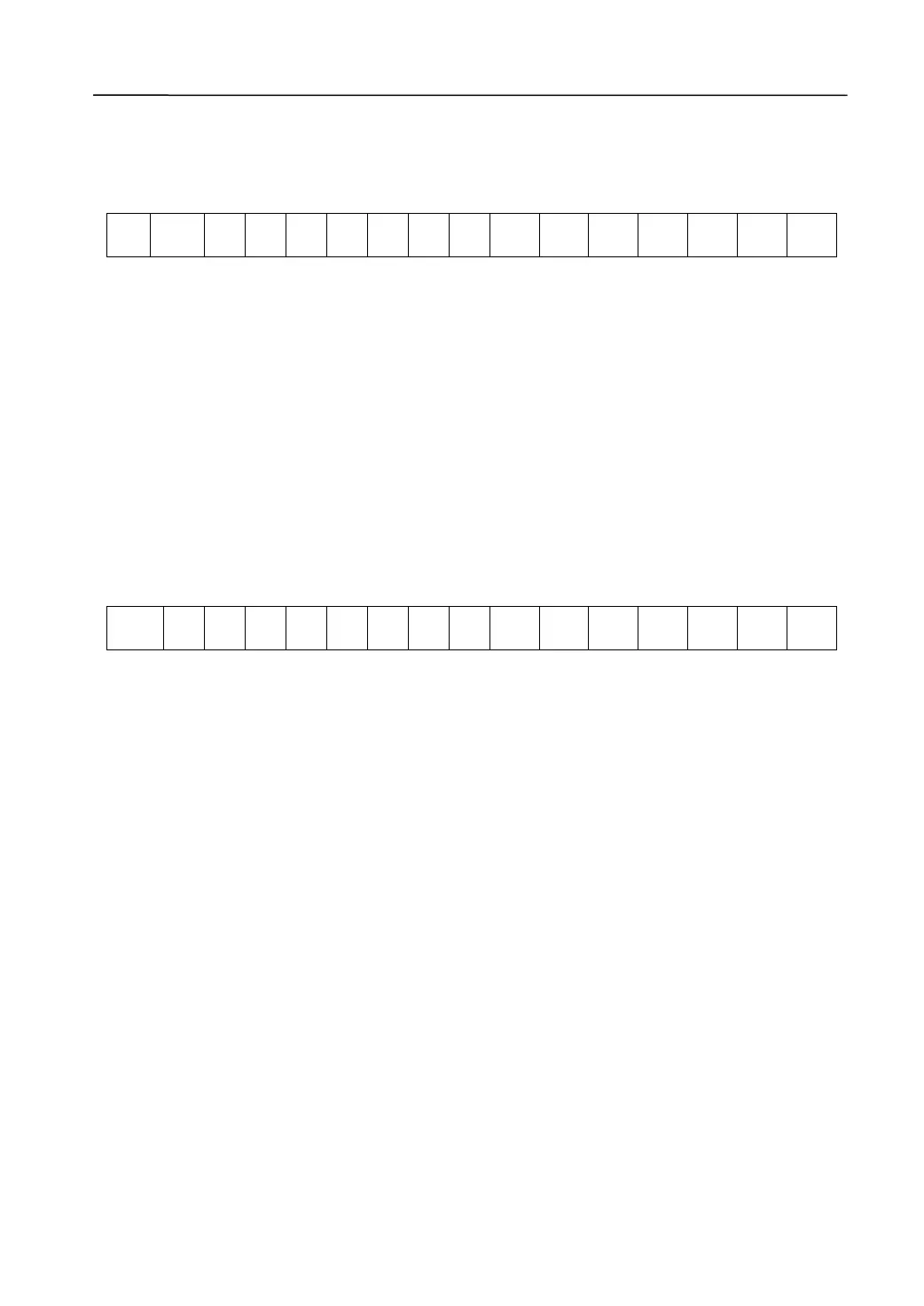
For LCD version, hold key1 + key2 while powering on the printer to enter show function.
Line1:
A
1
A
2
A
3
A
4
A
5
A
6
A
7
A
8
A
9
A
10
A
11
A
12
A
13
A
14
A
15
A
16
A1~A3:”Sin” / ”Mul”
Sin – The head gap lever is on single paper position.
Mul – The head gap lever is on multi ply position.
A5~A9: “M=xxx”
This is a calculated value in °C and represents the Carriage Motor (CR) temperature.
A11~A16: ”H=yyyy”
This is a value measured in mV and represents the Print Head voltage.
It is for interna l use only.
Line2:
B
1
B
2
B
3
B
4
B
5
B
6
B
7
B
8
B
9
B
10
B
11
B
12
B
13
B
14
B
15
B
16
B1~B6: “HC=aaa”
This is a calculated value in °C and represents the Print Head temperature.
B8~B11: “V=nn”
This is a calculated value in °C and represents the Paper Feed Motor (PF) temperature.
B13~B16:
This is to be ignored, as it is only the remaining information which is not filtered out.



 To Next Page