User Guide Options and accessories
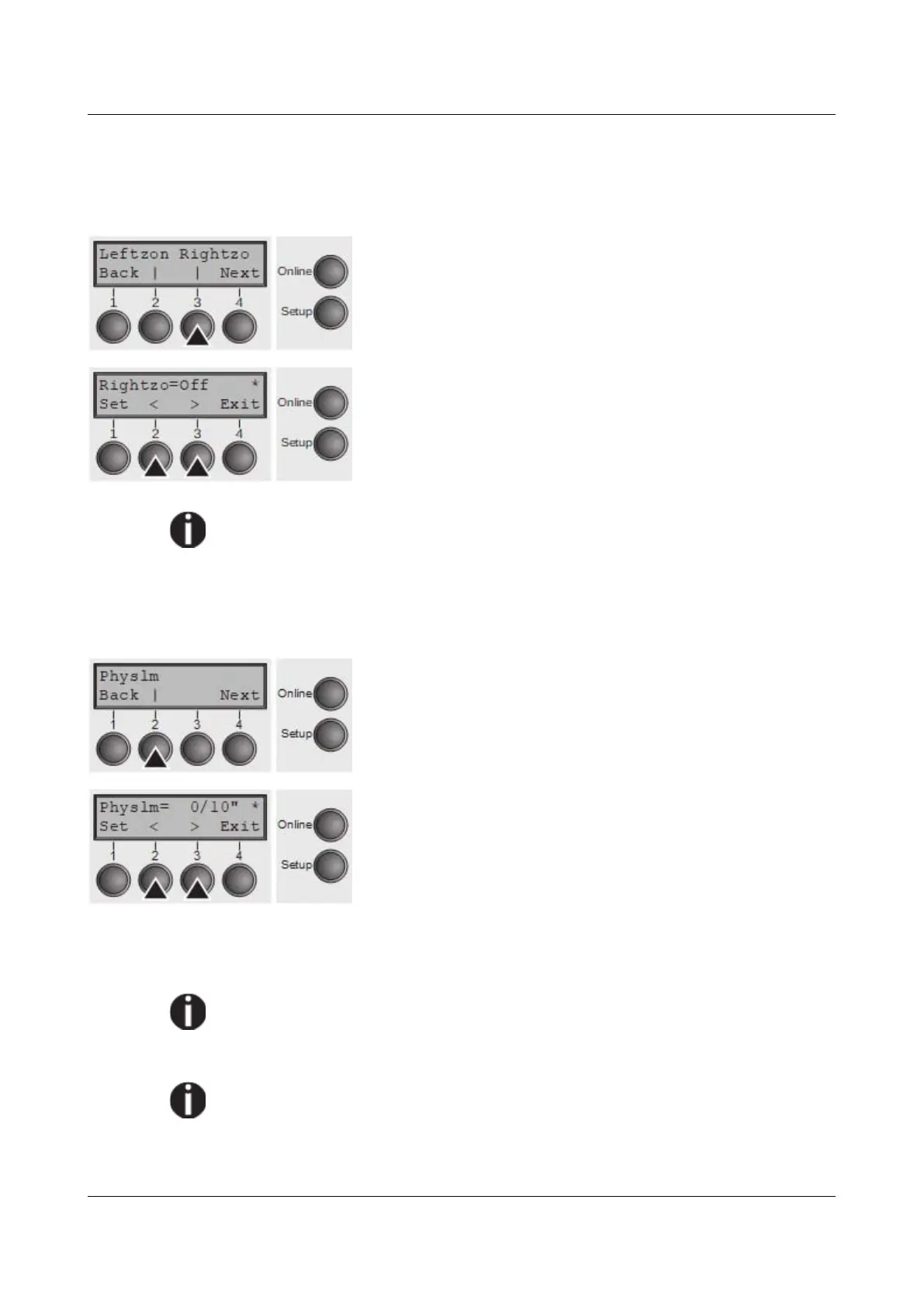
Right-hand area (Rightzo)
If the parameter is On, the print head travels from the right-hand perforation area
towards the centre of the paper while the paper is moving. The Pagewid option
must be correctly set in this case, see Paper width (Pagewid).
Select the Rightzo menu (3).
Setting options: On/Off
Default setting: Off
If this parameter is On, the print head carriage travels to the centre of the
form while the paper is loaded.
Confirm your setting with the Set key (1) and press the Next key (4) to access
the next group of parameters.
Physical left margin (Physlm)
Select the Physlm menu (2).
Setting options: 0 to 30 in 1/10 inch steps
Default setting: 0/10 Inch
Permanent (physical) setting of the left margin. This parameter cannot be
changed by emulation-dependent margin settings. Margin setting values entered
by ESC sequences are added to the Physlm.
Note that this value is subtracted from the maximum printing width of 13.6
inches.
Confirm the setting by pressing the Set (1) key.
All parameters described in the Paphand group may also be defined via an
ESC sequence (see Emulations or Programmer’s Application Manual).
Press the Next key (4) to access the next group of parameters.
101



 To Next Page