Options and accessories User Guide
Setting the right margin (RightMrg)
The right print margin can be set to a fixed value.
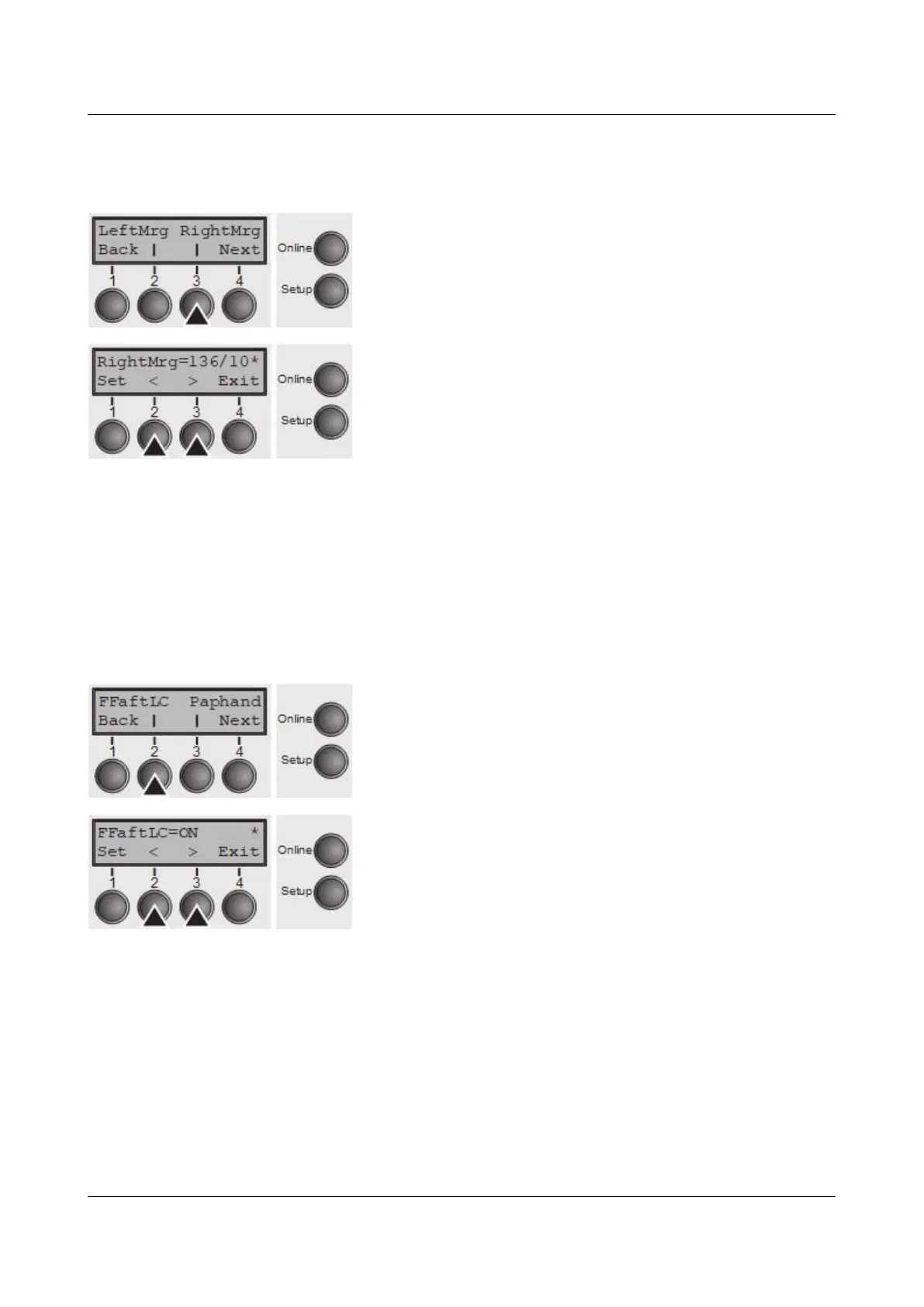
Press RightMrg (3) key.
Use the < (2) or > (3) key to select the desired setting.
Setting Options: 2–136/10“
Default Setting: 136/10“
The value may not fall below the LeftMrg value.
Confirm the setting by pressing the Set key (1). Press the Next key (4) to access
the next group of parameters.
Local copy (screen print) from a Coax or Coax/IPDS (FFaftLC)
To provide maximum compatibility to Coax/Twinax interfaces the function
"FormFeed after Local Copy" has been implemented. This feature is ON per
default. It is recommended to disable this feature (OFF) if problems in connection
with Coax/Twinax/IPDS interfaces occur.
Press FFaftLC (2) key.
Use the < (2) or > (3) key to select the desired setting.
Setting Options: Off/On
Default Setting: On
Confirm the setting by pressing the Set key (1).
86



 To Next Page