Options and accessories User Guide
Cleaning the housing
Clean the printer housing with mild detergent (use a dishwashing agent, if
necessary, or a plastic cleaning agent) and a soft lint-free cloth.
Do not use abrasive cleaners. Never use solvents.
Cleaning the interior
Remove paper and dust with a soft brush.
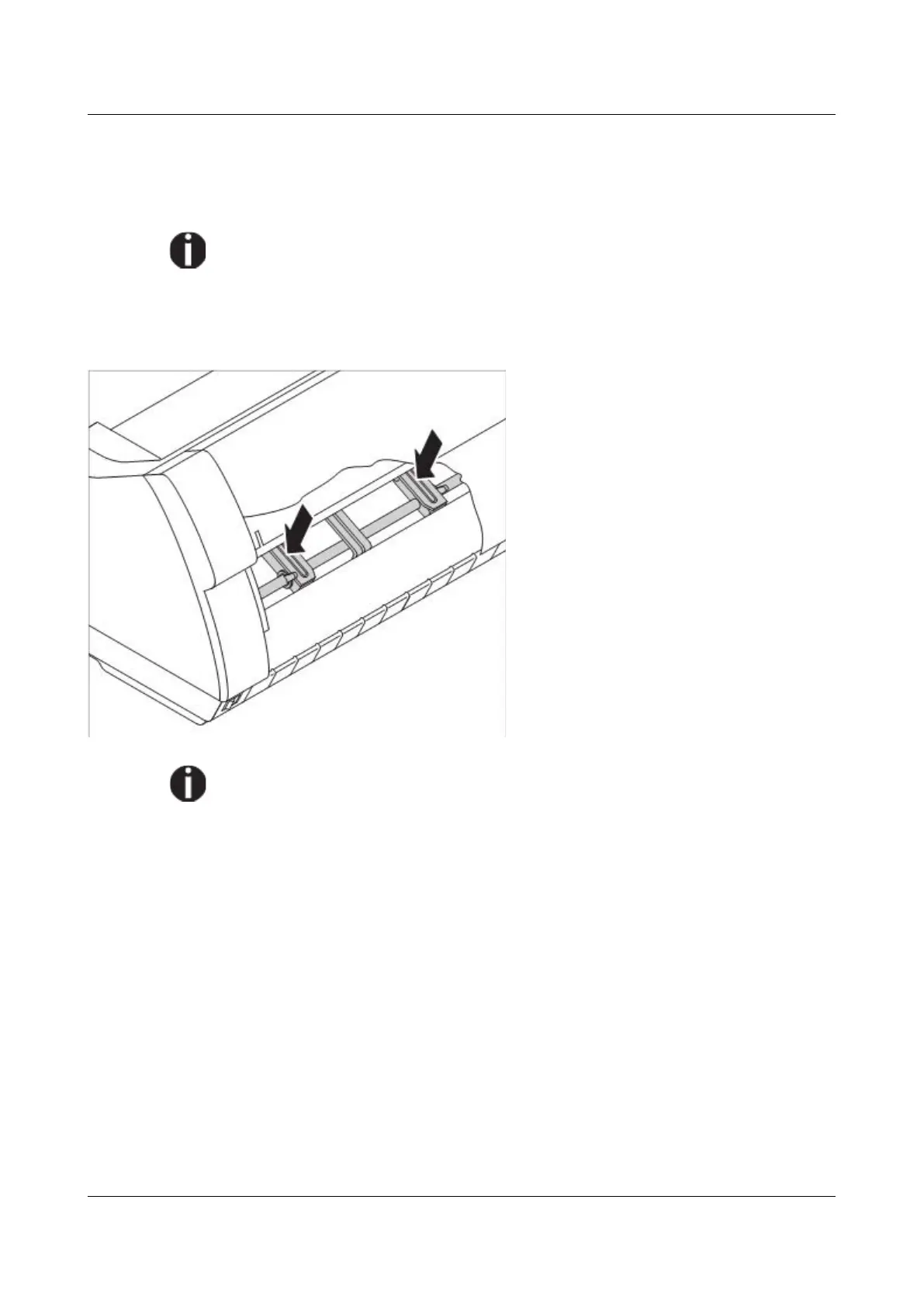
Check that any paper has been
removed from the tractors.
For optimal function of the print head the interior of the printer has to be as
dust free as possible. Clean the interior with a vacuum cleaner if necessary.
120



 To Next Page