Options and accessories User Guide
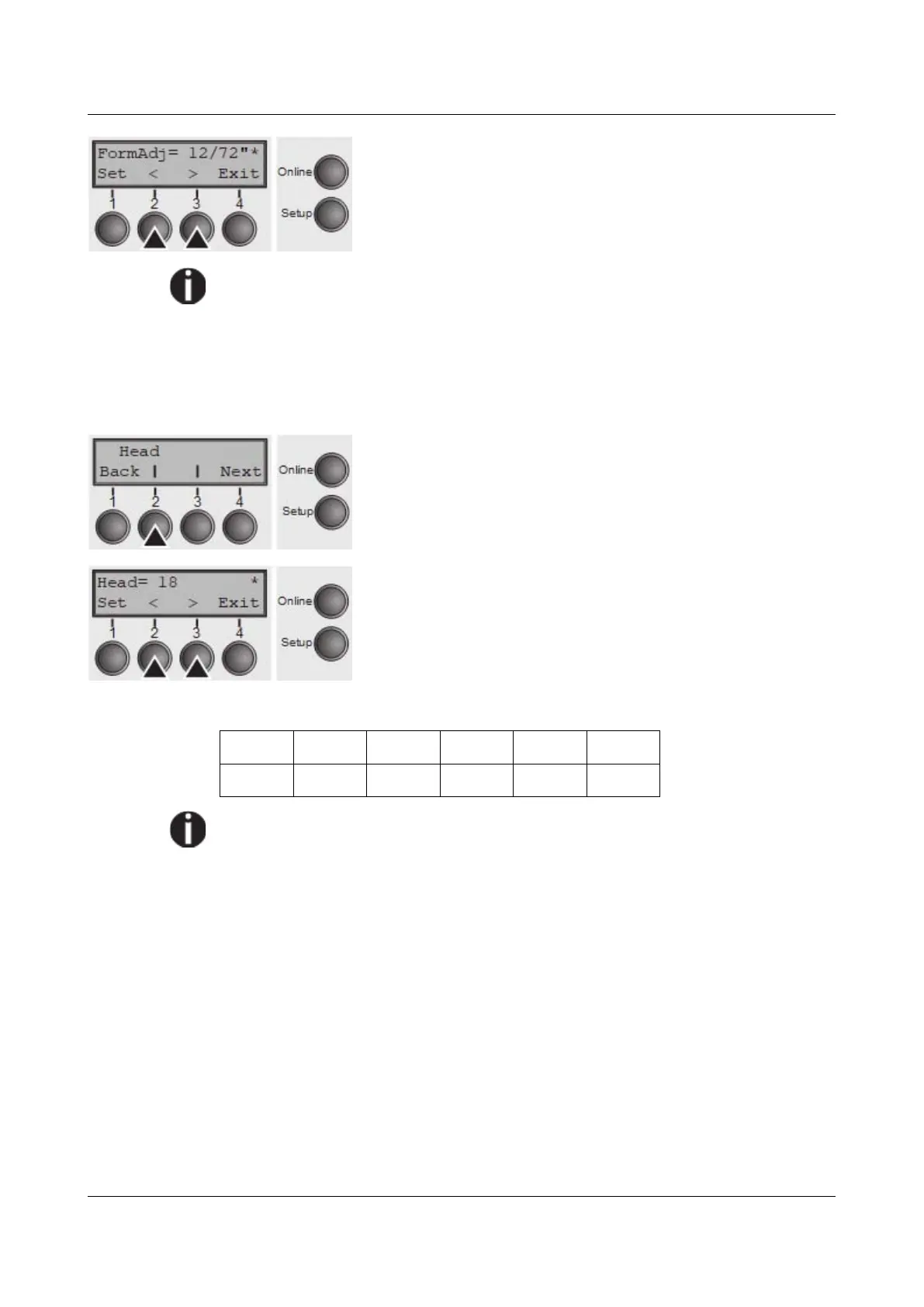
Use the < (2) or > (3) key to select the desired setting.
Setting Options: 0/72" to 220/72"
Default Setting: 12/72"
Confirm the setting by pressing the Set key (1). Press the
Next key (4) to access the next group of parameters.
An alternative notation for FormAdj is TOF (Top Of Form).
Printhead gap manually (Head)
This parameter is ignored if the automatic gap adjustment (AGA) is activated; see
Automatic gap adjustment (AGA).
Adjusts the printhead gap manually; separately adjustable for each paper path.
Press Head (2) key.
Use the < (2) or > (3) key to select the desired setting.
Setting Options: 0 to 100
Default Setting: 18
Select the Head = 18 parameter for normal paper. Use a
greater distance for thicker paper.
Recommended values for the print head gap:
thin thick
18 26 34 42 50 58
If you change this value, this may affect the print quality. If the printout
shows signs of smudging, we recommend that you increase the print head
gap.
Confirm the setting by pressing the Set key (1). Press the Next key (4) to access
the next group of parameters.
78



 To Next Page