User Guide Options and accessories
Switching on the printer
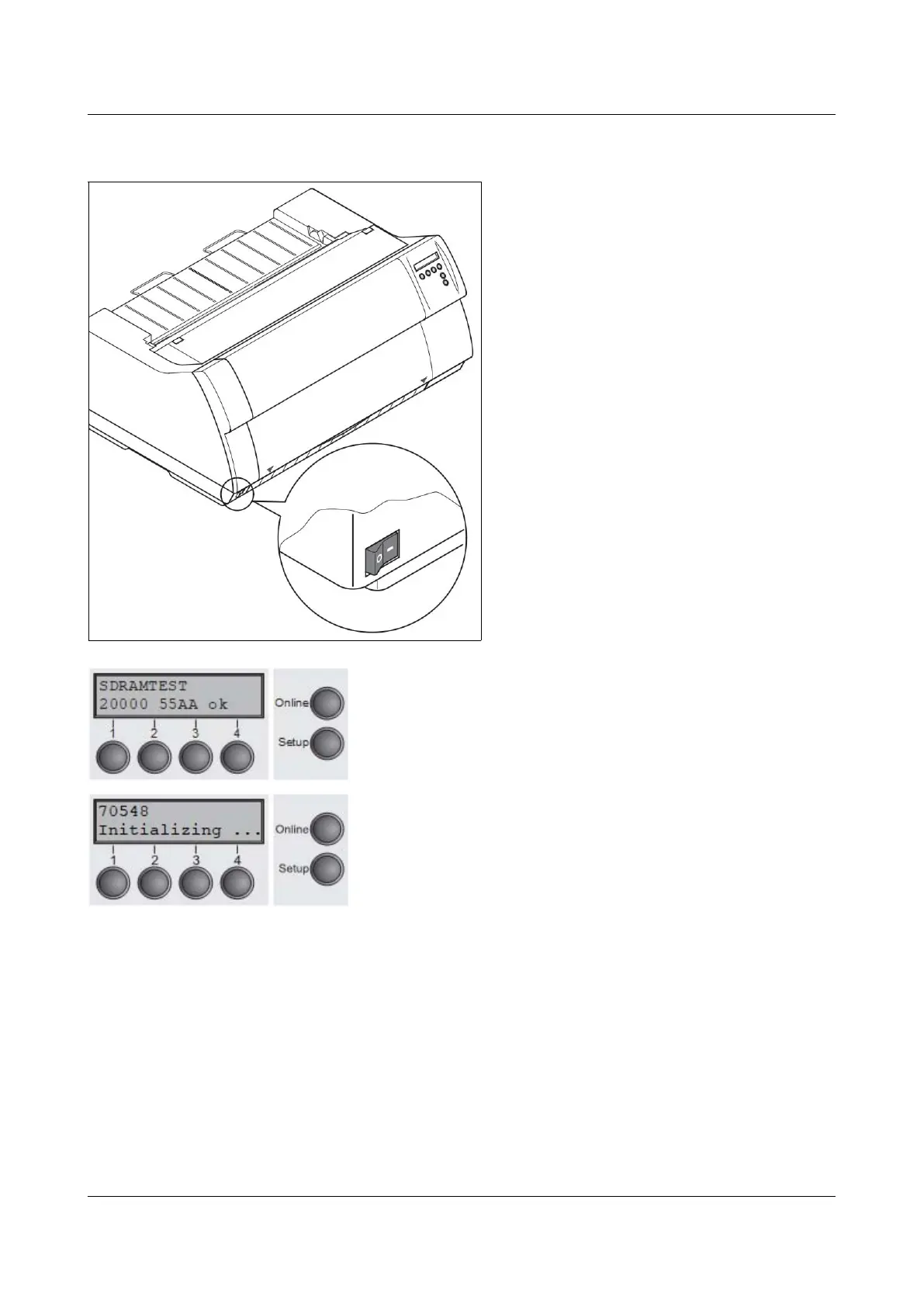
The power switch for switching on the
printer is located at the bottom left at the
front of the printer when viewed from the
front.
After switching on, the printer passes through a memory
test during the initialization phase. In the display appears
temporary the message "SDRAMTEST XXXXX XX ok".
If the memory test is successful finished, the firmware
number appears in the display.
After finishing the initialization the printer switches to online
mode (see Online mode).
15



 To Next Page