User Guide Options and accessories
Additional display messages
These are not error messages, they give operating instructions and information
from the printer to the user.
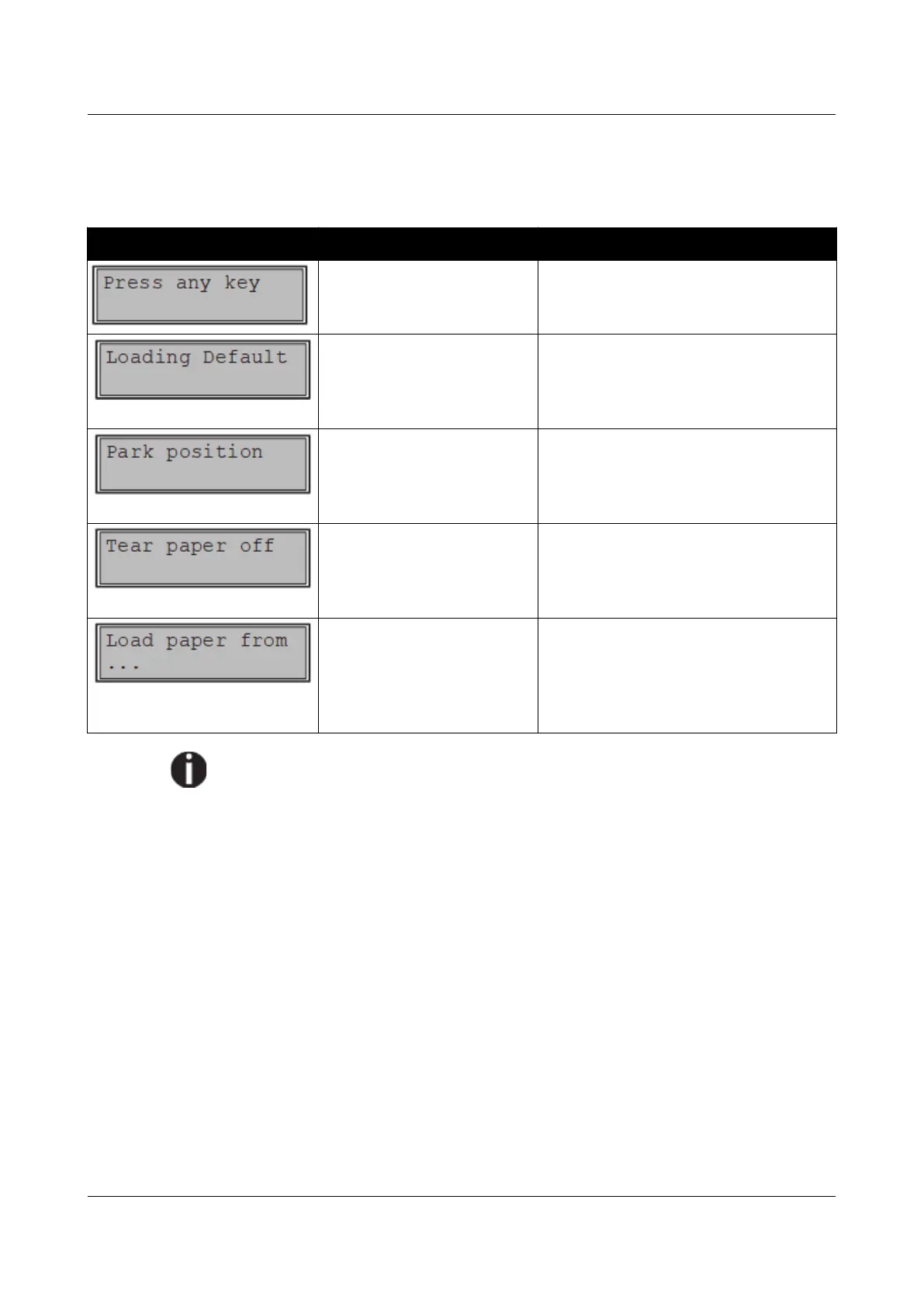
Message Possible cause Corrective action
— To proceed press any key.
The factory-set parameters
are loaded and are written
into all menus.
No action required.
You are informed when the
fanfold paper is in the park
position.
No action required.
Note for the operator to tear
off the paper automatically
positioned at the tear off
edge.
Tear paper off.
Paper is not available in the
selected paper path (…
indicates the active paper
path). Data is in the
interface receiver buffer.
Load paper, see section Loading
paper.
If messages appear which are not described here, please contact your
customer service representative with exact details of the message.
117



 To Next Page