Options and accessories User Guide
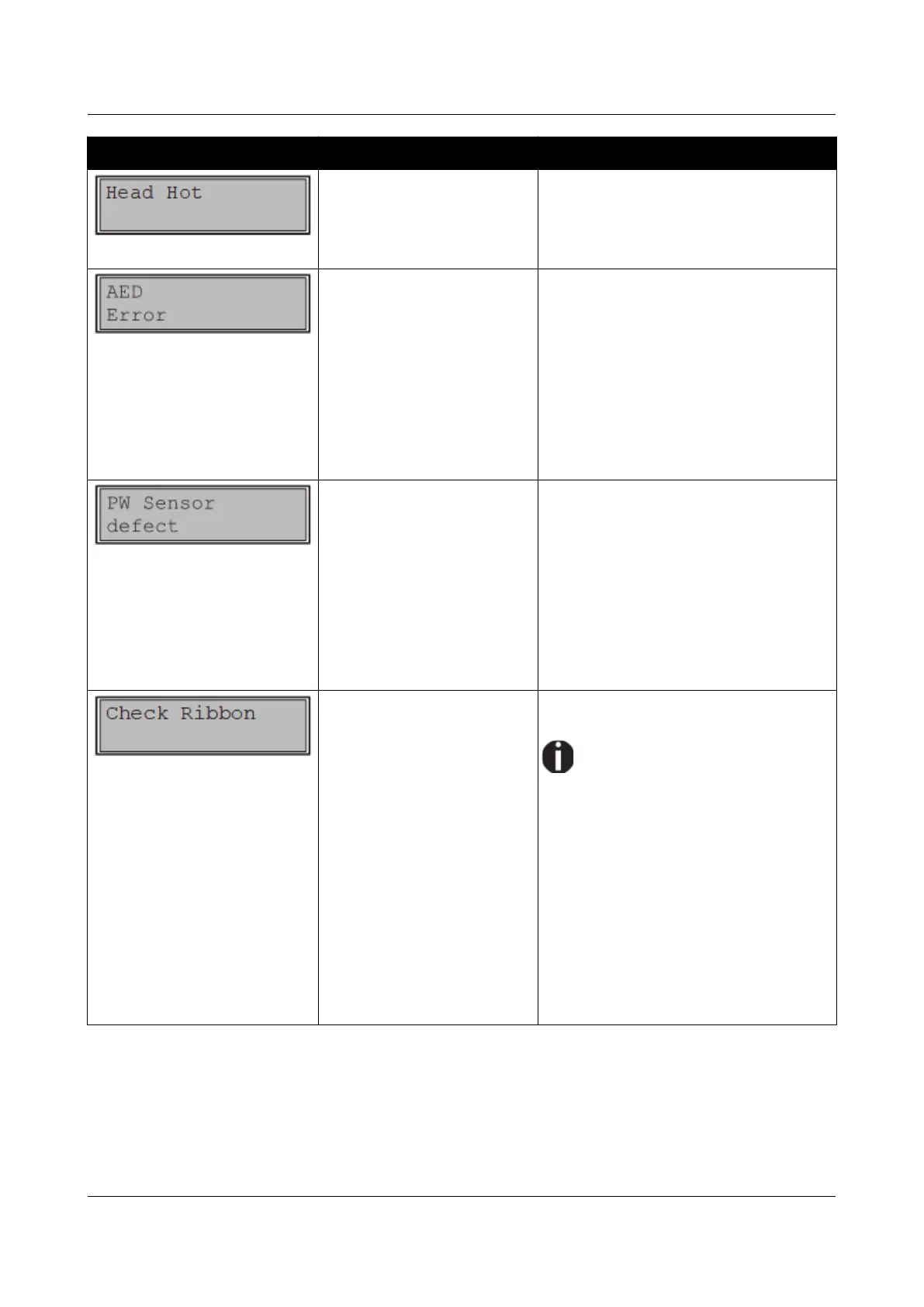
Message Possible cause Corrective action
The printer prints at lower
speed.
No action required.
When this message comes up even in
a “cold” printer, please contact your
technical service.
Only if an automatic cutting
device is installed.
No standard paper,
transport holes are not like
standard.
Paper moved too far to the
right.
Paper width sensor defect.
Remove all paper from the printer,
align paper correctly on the left
side.
Use different paper.
Disable the AED sensor, see
Automatic detection of the top
paper margin (AED).
If you cannot remove the error, please
contact your technical service.
Paper moved too far to the
right.
Preprinted black area on
the left side of the paper.
Paper width sensor defect.
Remove all paper from the printer,
align paper correctly on the left
side.
Use different paper.
Disable the APW sensor, see
Automatic paper width detection
(APW).
If you cannot remove the error, please
contact your technical service.
The ribbon misses, is
damaged and blocked or a
non-genuine ribbon is
installed.
Only use genuine ribbon cassettes
of the manufacturer.
During the process of
initialization after powering
on, the printer checks if a ribbon
cassette is installed. It also checks
during the execution of a print job
the operativeness of the ribbon
cassette. These functions
mandatory require the use of the
manufacturers original ribbon
cassettes Accessories.
Replace the ribbon.
Check that the print head carriage
moves easily.
116



 To Next Page