User Guide Options and accessories
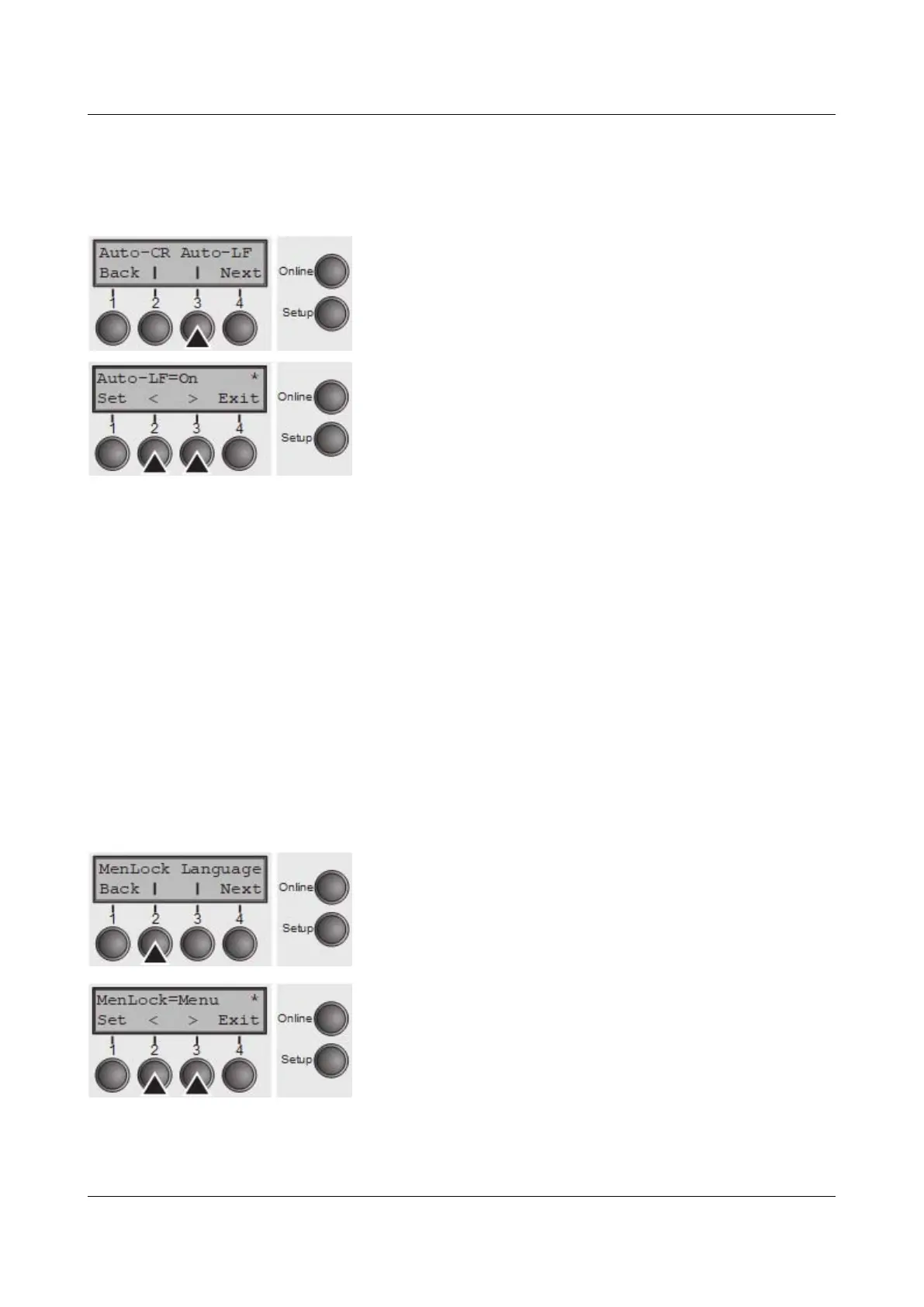
Automatic line feed (Auto-LF)
Switches the automatic line feed (LF) on or off after receiving the signal CR
(carriage return).
Press Auto-LF (3) key.
Use the < (2) or > (3) key to select the desired setting.
Setting Options: Off/On
Default Setting: Off
Confirm the setting by pressing the Set key (1). Press the
Next key (4) to access the next group of parameters.
Menu lock (MenLock)
With MenLock = Off, all functions and settings are accessible without restriction
in Online, Offline and Setup mode.
If MenLock = Menu is activated, all functions and settings are still accessible in
Online and Offline mode, however, in Setup mode you can only access the
parameter groups Adjust (setting the print head gap [Head], top of form [TOF]
and tear position [Tear]), Paperway (setting the paper path), Font (setting the
font) and the character spacing (CPI), while access to Menu mode (Menu key) is
disabled.
If you select MenLock = All, you can access the Online/Offline, Load/Park,
Paper and Paper Feed (LineFeed/Form Feed, ↑/↓) functions in Online and Offline
mode while Setup mode is disabled.
In this case, the Setup menu can only be called up by holding the key Setup
while switching on the printer.
Press MenLock (2) key.
Use the < (2) or > (3) key to select the desired setting.
Setting Options: Off, Menu, All
Default Setting: Menu
Confirm the setting by pressing the Set key (1).
75



 To Next Page