User Guide Options and accessories
Moving the paper to the tear position
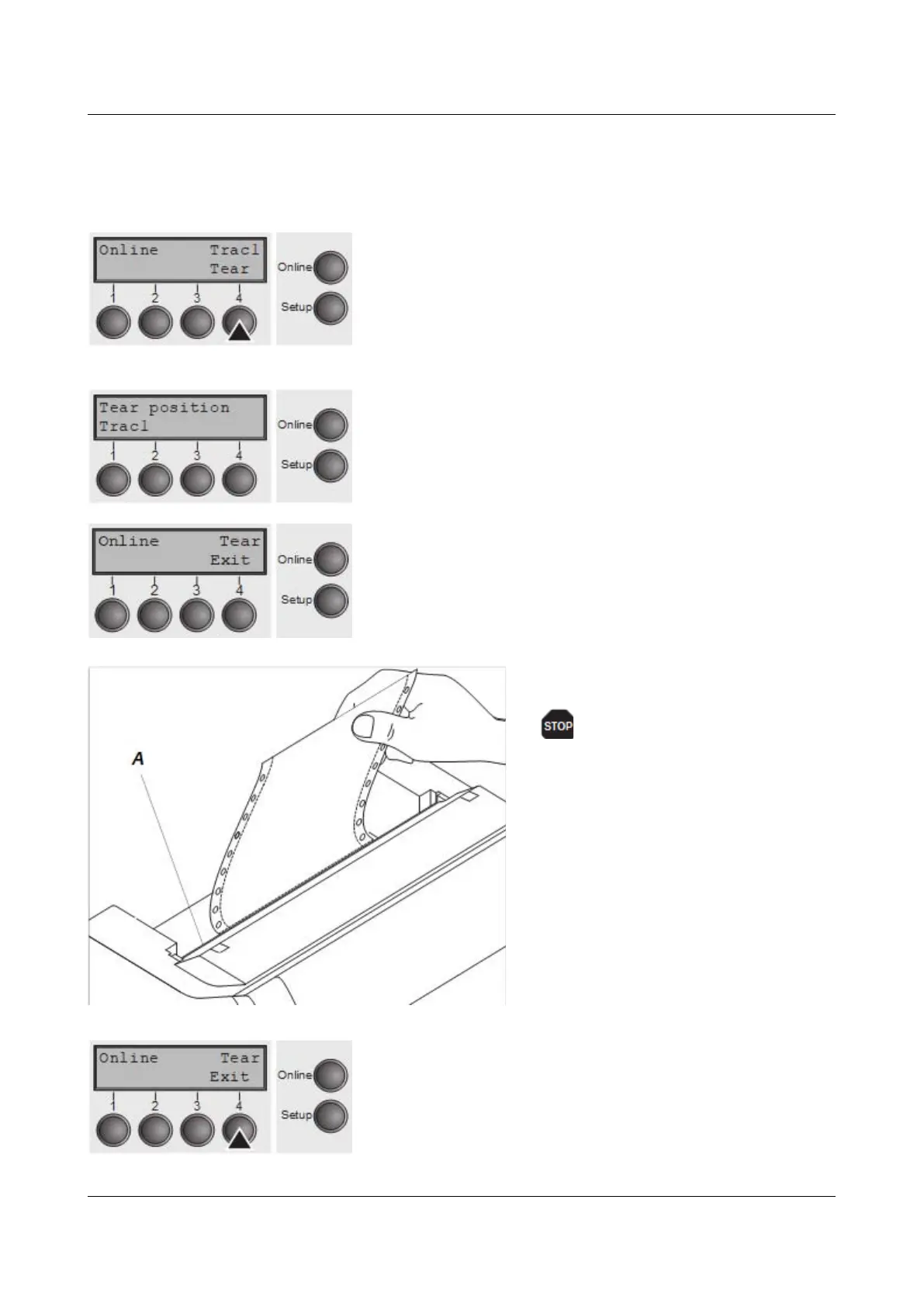
You can use the Tear key to move the paper to the tear position. The tear edge is
located at the front side of the paper output opening.
Make sure that the printer is in online mode. If necessary,
press the Online key.
Press the Tear (4) key. The printer moves
the perforation edge of the fanfold paper to
the tear edge. The tear edge is located at
the front side of the paper output opening
(see below).
The display alternates between …
and …
Tear off paper at the tear edge A.
Make sure you tear the paper
off straight, otherwise a paper
jam may occur.
After having torn off the paper, press the Exit (4) key. The
printer returns the paper to the first printing position.
If a print job is active, the printer returns the paper
automatically to the next printing position.
37



 To Next Page