User Guide Options and accessories
Loading menu configurations (Menu)
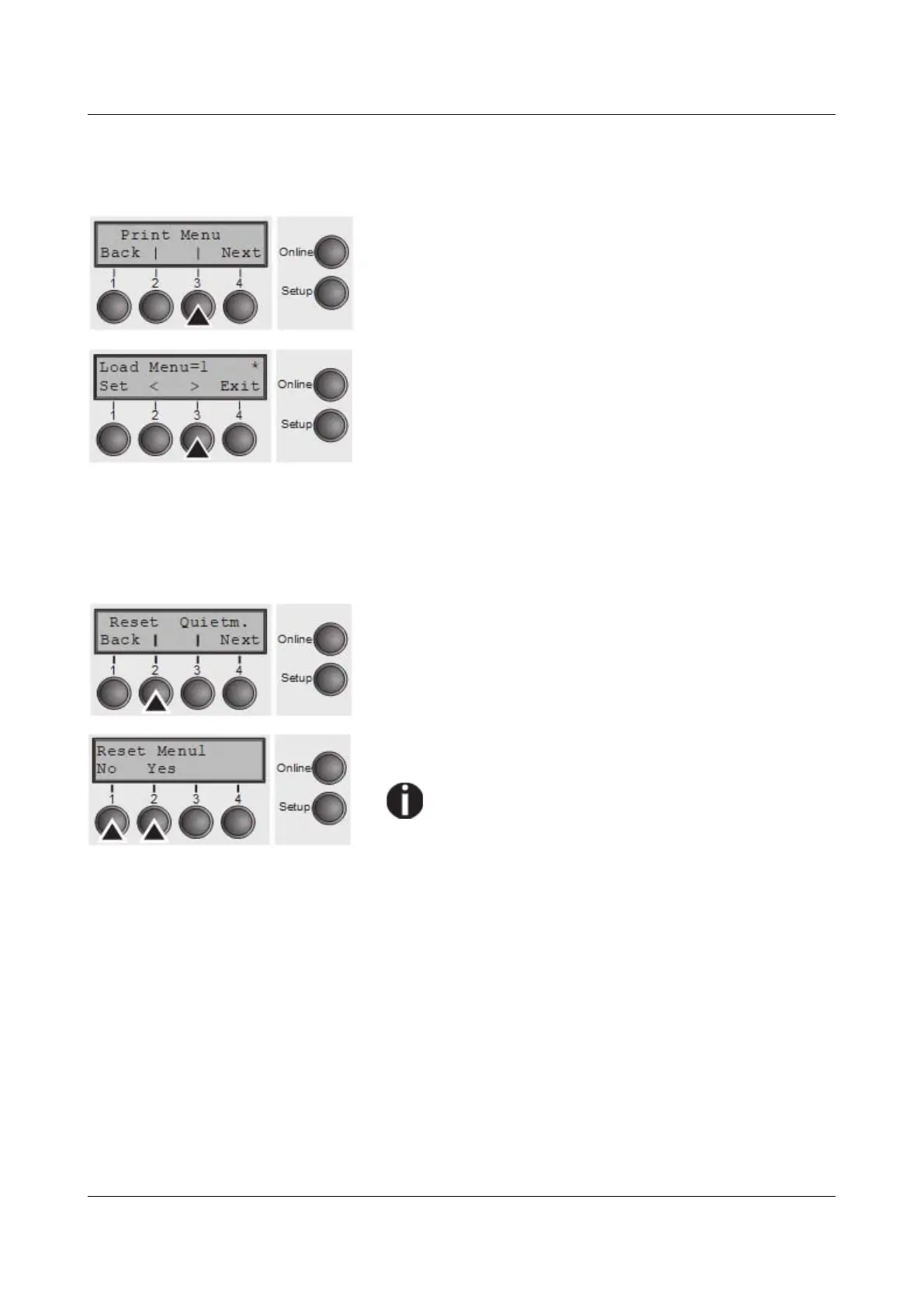
A menu is loaded, you can choose between five menus; see Menu handling.
Press Menu (3) key.
Use the < (2) or > (3) key to select the desired setting.
Setting Options: Load Menu=1/2/3/4/5
Default Setting: Load Menu=1
Confirm the setting by pressing the Set key (1). Press the
Next key (4) to access the next group of parameters.
Reset to default values (Reset)
The current menu returns to the default values (factory settings).
Press Reset (2) key.
Press the No (1) or Yes (2) key to select the desired
setting.
All manually altered settings in the current menu
are lost when it is reset to the default settings.
We therefore recommend that you print out the
menu first.
Confirm the setting by pressing the Set key (1).
55



 To Next Page