User Guide Options and accessories
Setup
Setup via the printer’s control panel
Web Panel (HTTP/HTML)
TallyCom Admin
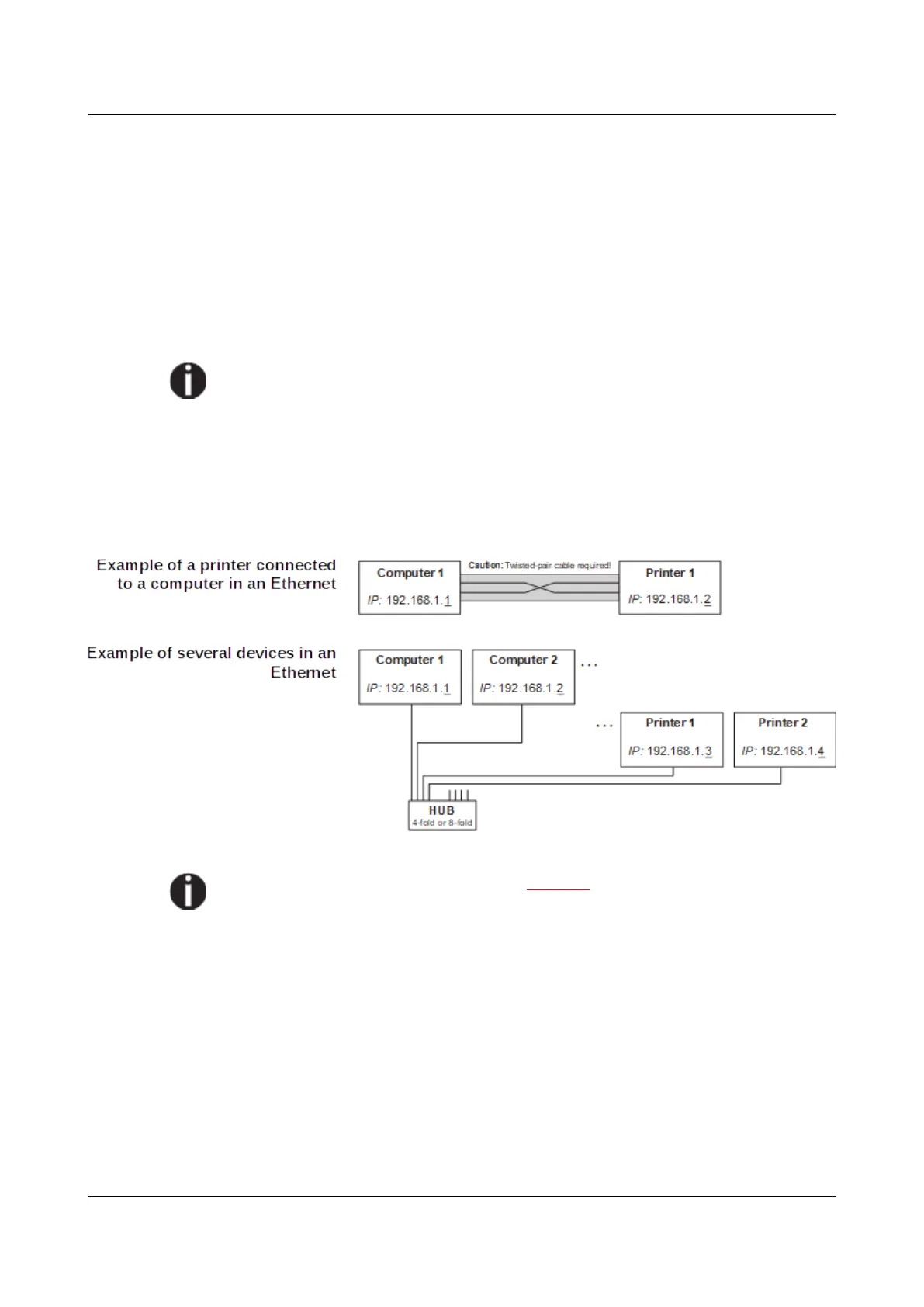
Physical printer port in Ethernet with TCP/IP
When using your printer in a local network with Ethernet connections and the
TCP/IP protocol, you have to assign several address informations.
Address information for the Ethernet port can only be made available by
your network administrator, who has the necessary rights to install printers
on the network and/or make any changes.
The assumed address space corresponds to the TCP/IP adress, class C,
192.168.1.xxx.
The subnet mask to be used is 255.255.255.0
The address of the router, or gateway, is 0.0.0.0, if not available.
You will find more information on our internet page.
165



 To Next Page