Options and accessories User Guide
Inserting the ribbon cassette
During the process of initialization after powering on, the printer checks if a
ribbon cassette is installed. It also checks during the execution of a print
job the operativeness of the ribbon cassette. These functions mandatory
require the use of the manufacturers original ribbon cassettes (see
Accessories). If other ribbon cassettes were used, the message Check
Ribbon appears in the display, it is impossible to print.
Before opening the cover,
make sure that the printer is
switched on so that it can
execute automatic
preparations for ribbon
changing (widening the print
head gap).
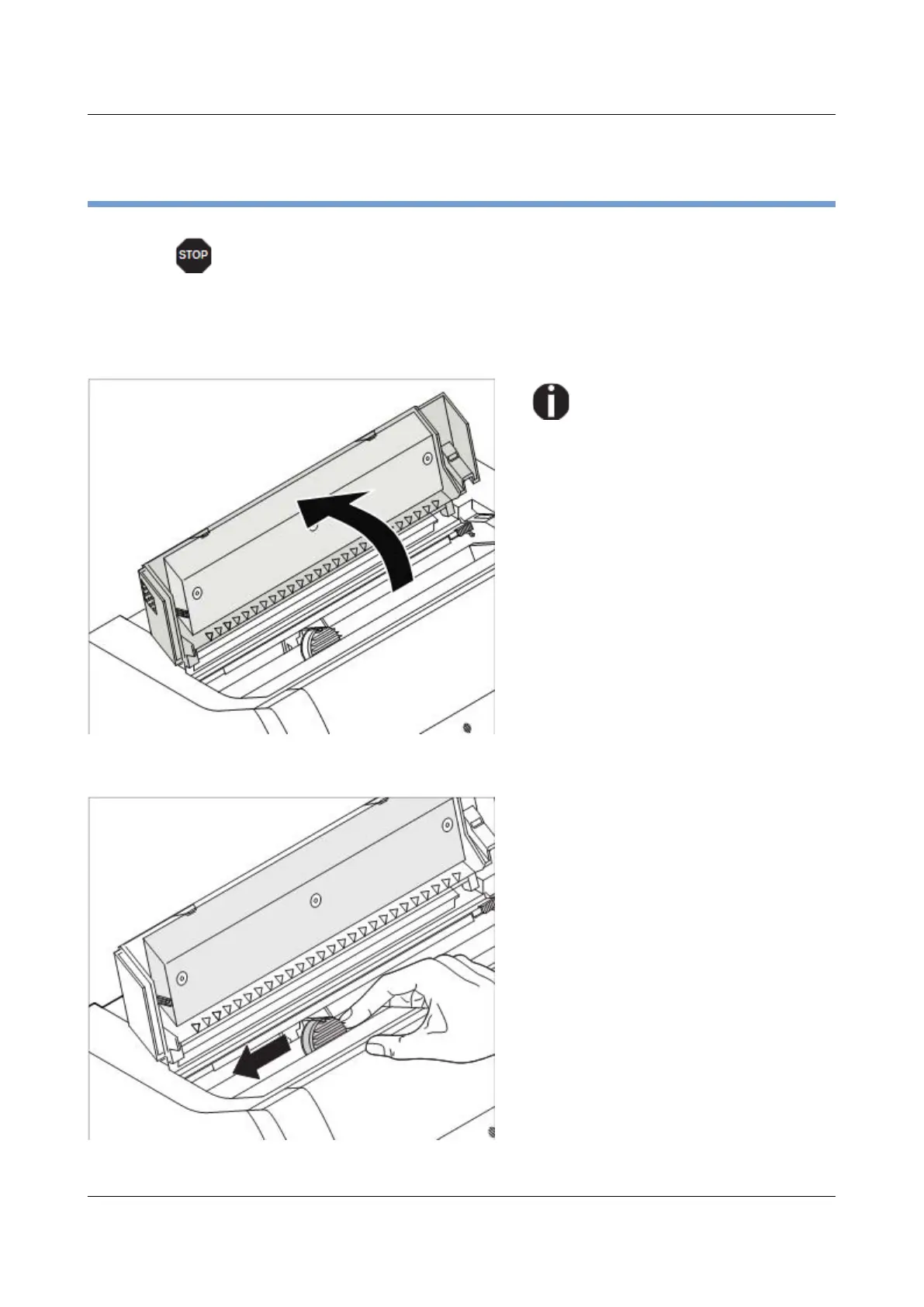
Open the printer top cover.
Cautiously slide the print head carriage
to the left stop (viewed from the printer
front).
16



 To Next Page