User Guide Options and accessories
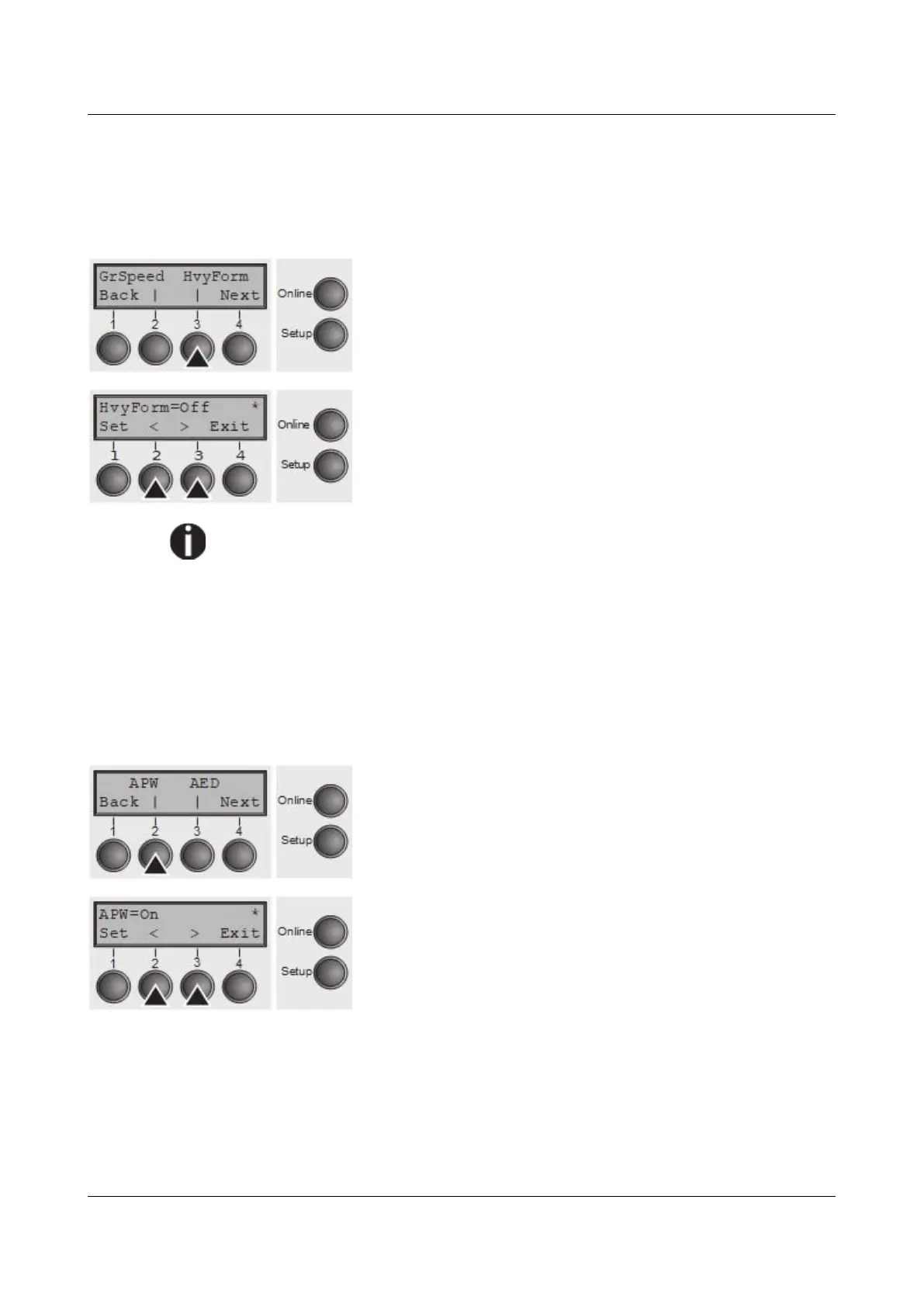
Setting for printing copy paper (HvyForm)
If you set HvyForm = ON, the printer prints the same line twice at double strike.
This setting ensures that copy paper produces optimum results.
Select the HvyForm menu (3).
Setting options: On/Off
Default setting: Off
With the Copy Draft, NLQ and LQ print qualities, the line is printed twice,
however, at single strike.
Confirm the setting by pressing the Set (1) key. Change to the next parameter
group with the Next key (4).
Automatic paper width detection (APW)
The automatic paper width detection feature APW prevents the printer from
printing beyond the paper edge. This is useful to prevent the printer from printing
on the platen, for example, because of an incorrect driver setting.
Select the APW (2) menu.
Setting options: On/Off
Default setting: On
If APW=On, the printer is in the standard mode and truncates all data located
beyond the right-hand and left-hand paper edge. These print data are lost.
When you select APW=Off, the printer does not prevent undesirable printing on
the platen.
The printer determines the paper width by means of an optical sensor in the print
head module. The print head carriage moves once across the maximum possible
105



 To Next Page