Options and accessories User Guide
Serial number (SerialN)
With the SerialN function you have the possibility to change the 12 digit serial
number of the printer. The number can be written with any ASCII character
between hex 20 and hex 7E.
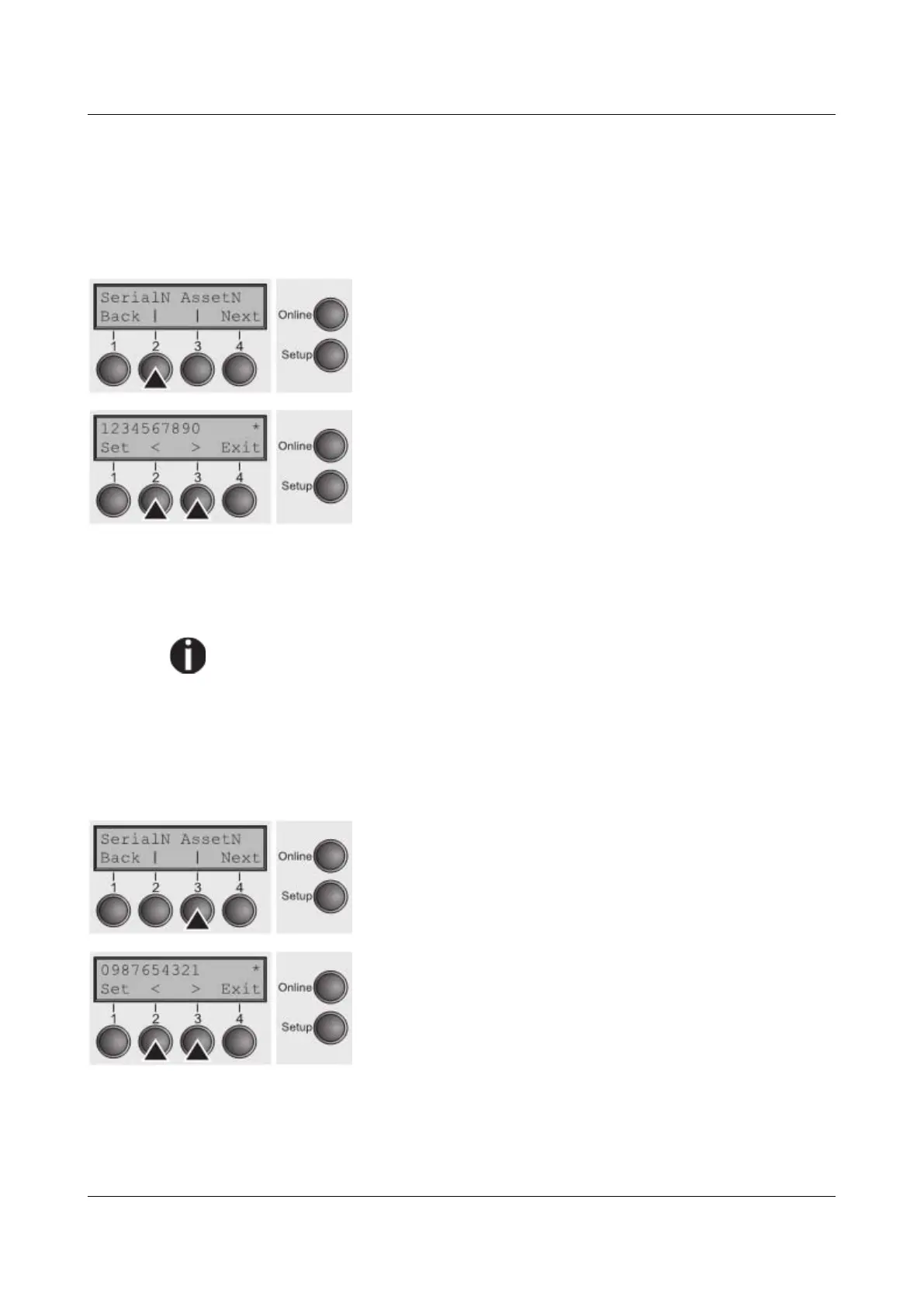
Select the SerialN (2) menu.
Setting options: 12 digits of all ASCII characters
(hex 20 to 7E)
Default setting: factory set
To change a digit select one character with the > or < key and press the Set (1)
key. Press < or > key to decrement or increment the selected character. When
the desired character appears press Set (1) key and the new character is stored.
After you have changed all desired digits leave the menu by pressing
Exit
(4) key.
This setting is not reset by loading the default factory settings.
Asset number (AssetN)
With the AssetN function you have the possibility to change the 10 digit asset
number of the printer. The number can be written with any ASCII character
between hex 20 and hex 7E.
Select the AssetN (3) menu.
Setting options: 10 digits of all ASCII characters (hex 20
to 7E)
Default setting: factory set
To change a digit select one character with the > or < key and press the Set (1)
key. Press < or > key to decrement or increment the selected character. When
the desired character appears press Set (1) key and the new character is stored.
After you have changed all desired digits leave the menu by pressing
Exit
(4) key.
108



 To Next Page