Options and accessories User Guide
Connecting the printer
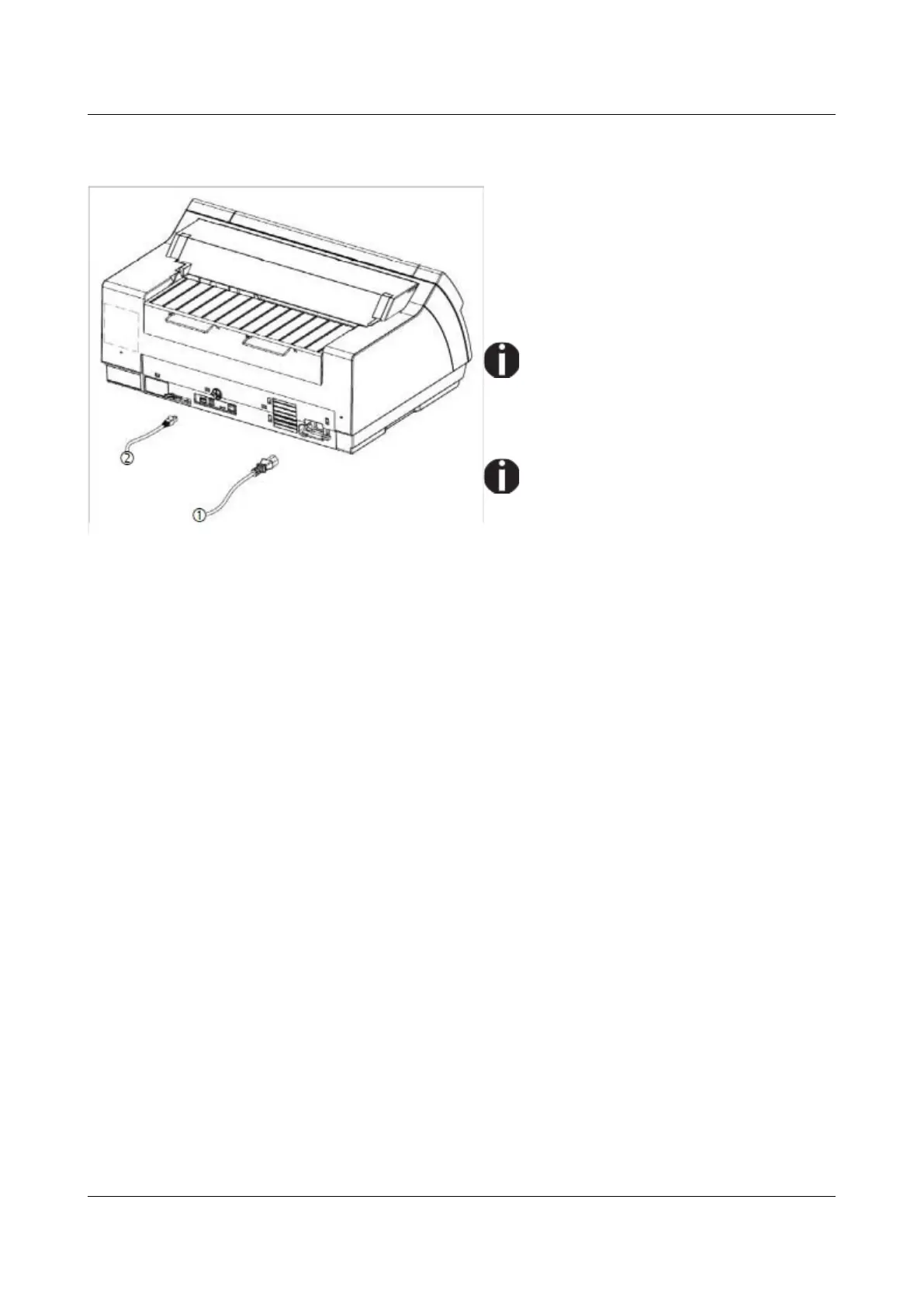
Connect the power cable (1) to the power
inlet of the printer. Connect the power cable
plug to a mains socket.
Make sure that the printer and the
computer are switched off and connect the
data cable (2) between the printer and the
computer.
The printer by default is provided with
a USB and an Ethernet interface. For
further information about the
interfaces, refer to the section
Interfaces.
Only straight connector can be used
for power cord.
14



 To Next Page