User Guide Options and accessories
Further Settings (Special)
This parameter subgroup only appears if the serial port is used and the
ENQ/STX, ETX/ACK or ACK/NAK protocol is activated.
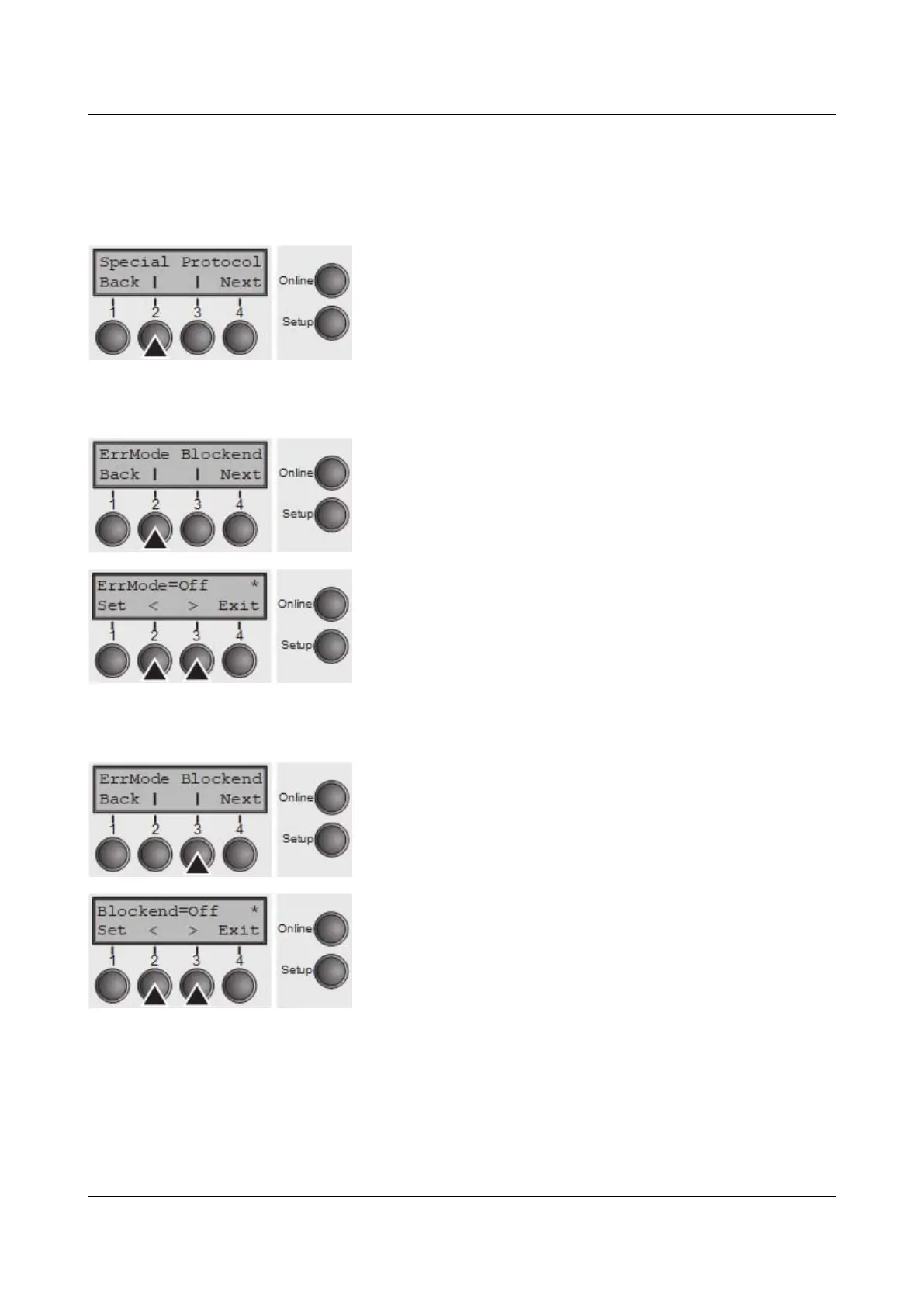
Press Special (2) key.
Error handling (ErrMode)
On replaces the incorrect character with ?, Off deletes the entire block.
Press ErrMode (2) key.
Use the < (2) or > (3) key to select the desired setting.
Setting Options: On/Off
Default Setting: Off
Confirm the setting by pressing the Set key (1).
Block end character (Blockend)
End-of-block character definition; On: LF, FF, CR, VT, ETX, DEL; Off: ETX, DEL.
Press Blockend (3) key.
Use the < (2) or > (3) key to select the desired setting.
Setting Options: On/Off
Default Setting: Off
Confirm the setting by pressing the Set key (1). Press the Next key (4) to access
the next group of parameters.
65



 To Next Page