User Guide Options and accessories
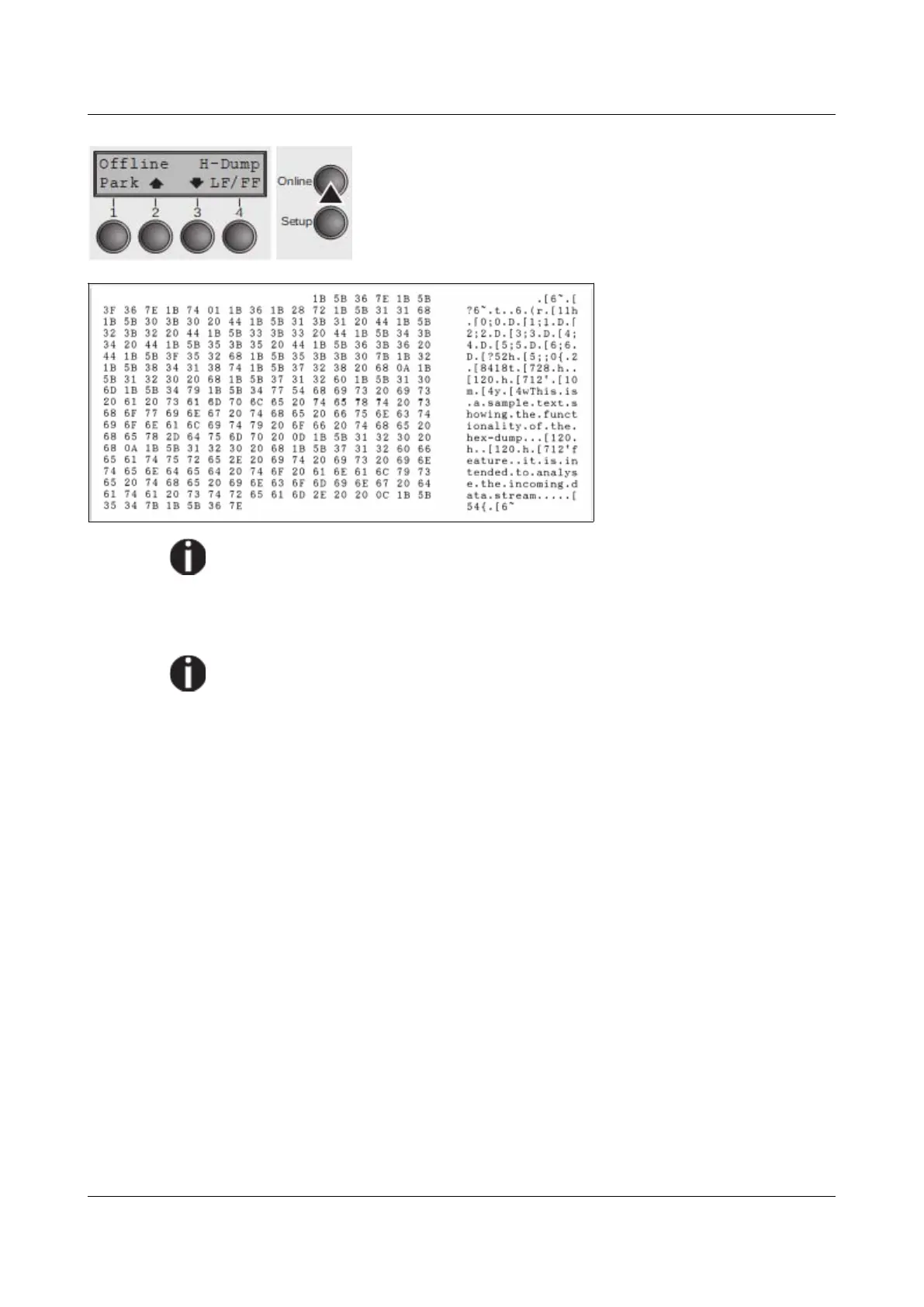
Put the printer into Online H-Dump mode by pressing the
key Online. The printer is now ready to receive data from
the computer and to print it out in hexadecimal format. The
printed data can now be analyzed and evaluated.
Example of a Hex-Dump
printout
After the transmission you must switch the printer to Offline. Any
remaining data left in the interface buffer is then printed.
Terminating Hex-Dump
Hex-Dump mode can only be terminated by switching off the printer.
If you want to stop the Hex-Dump printout before switching off the printer,
press the key Online and then the key LF/FF (4) once.
Paper sensor display
If the keys 1 and 2 are pressed at power on and then (after releasing the keys)
key 3 is pressed within 2 seconds (the time is marked by an asterisk in the upper
right corner of the LCD display), the printer will show the paper sensor value in
millivolts on the LCD display. PE shows the value of the paper end sensor.
93



 To Next Page