Options and accessories User Guide
Signal feedback (Remote)
Signal feedback; On = RDY/BUSY available, Off = No RDY/BUSY control.
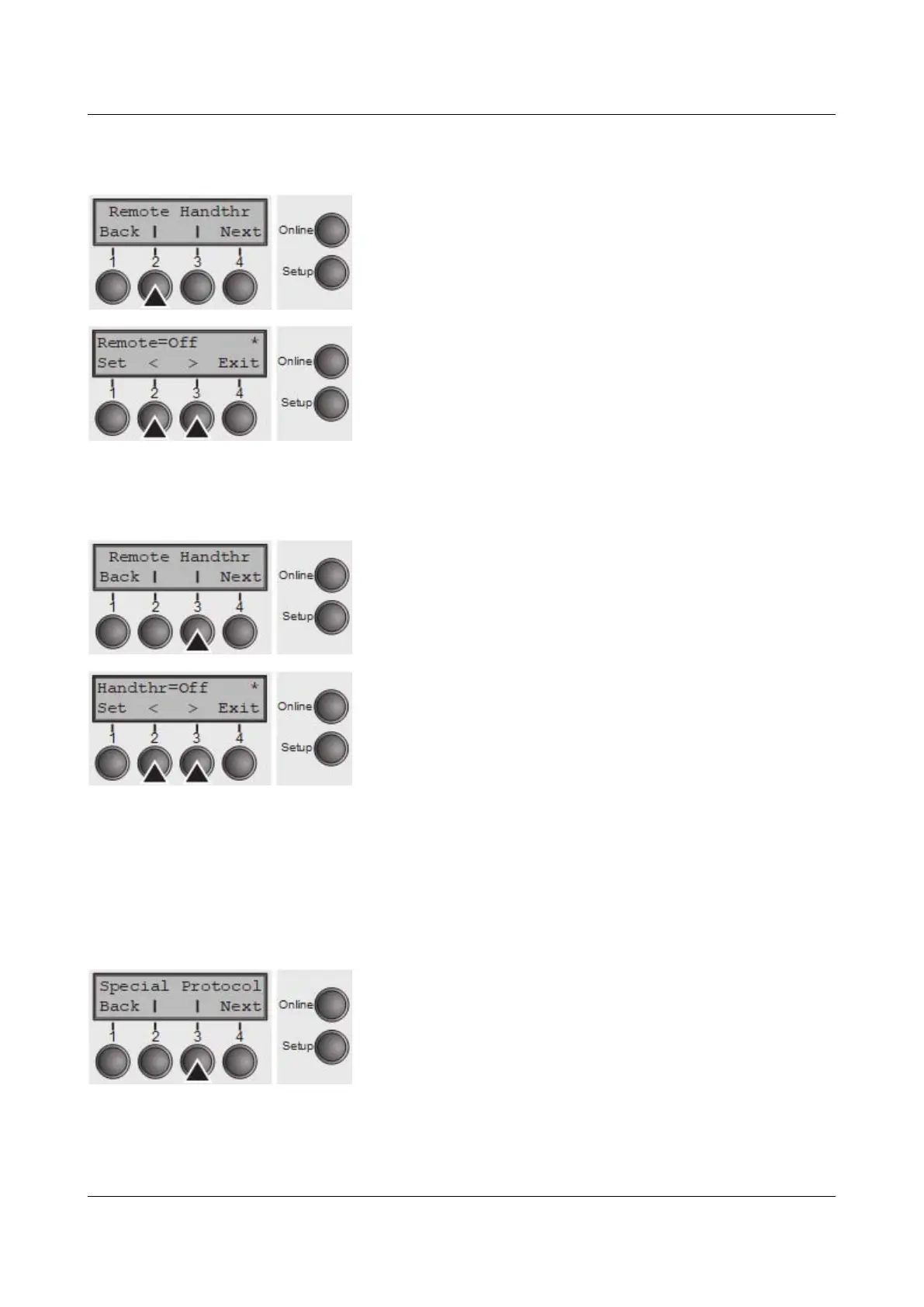
Press Remote (2) key.
Use the < (2) or > (3) key to select the desired setting.
Setting Options: On/Off
Default Setting: Off
Confirm the setting by pressing the Set key (1).
Transparence (Handthr)
Affects the transparence of control sequences and block acknowledgement,
depending on the selected protocol.
Press Handthr (3) key.
Use the < (2) or > (3) key to select the desired setting.
Setting Options: On/Off
Default Setting: Off
Confirm the setting by pressing the Set key (1). Press the Next key (4) to leave
the parameter subgroup Special.
Protocol (Protocol)
This parameter serves to select the type of protocol, i.e. a certain set of rules and
procedures for ensuring error-free data exchanges between computer and
printer.
Press Protocol (3) key.
66



 To Next Page