Options and accessories User Guide
Selecting font (Font)
This parameter selects the character style and its quality permanently.
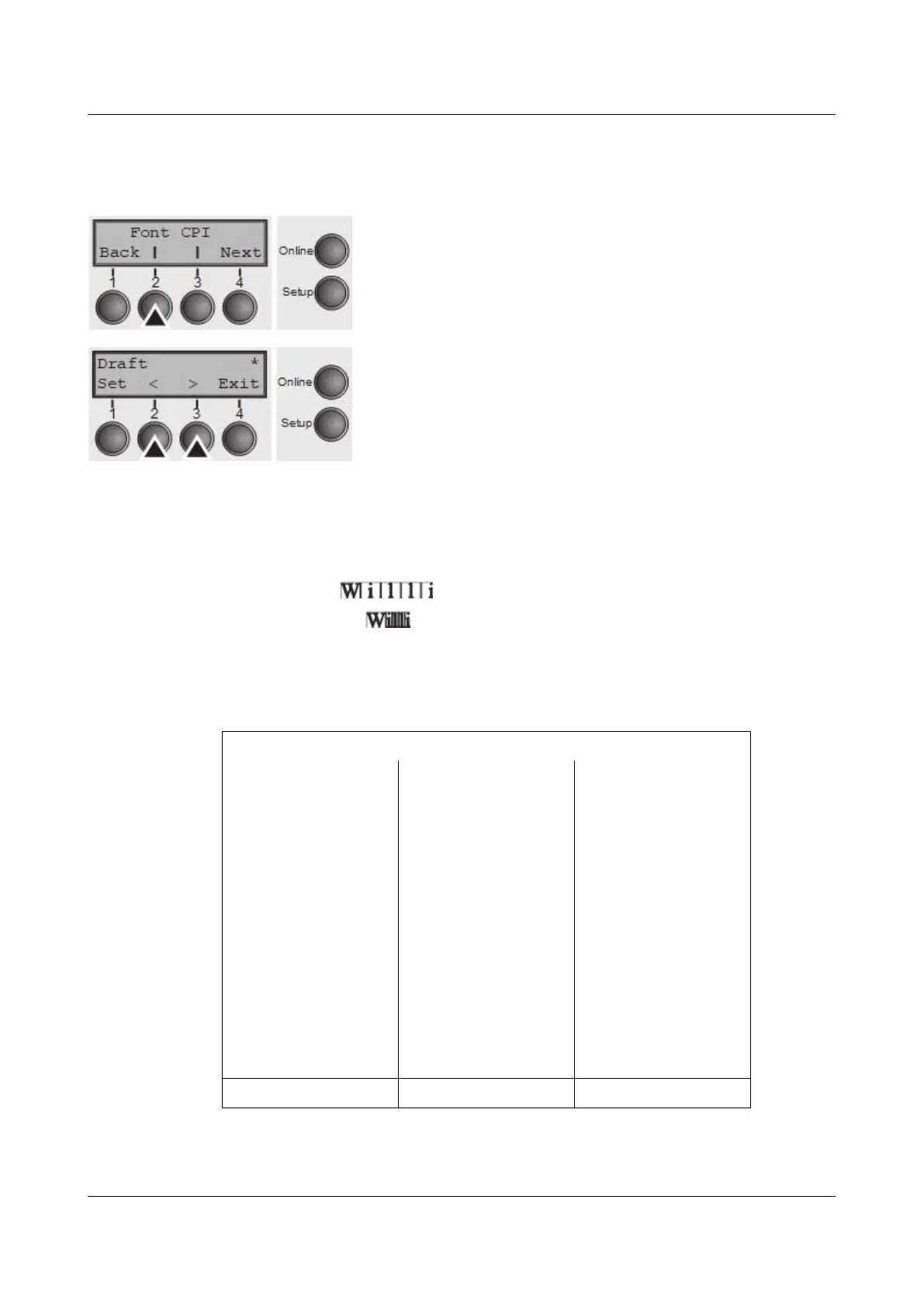
Press Font (2) key.
Use the < (2) or > (3) key to select the desired setting.
Setting Options: see table below
Default Setting: Draft
Character styles marked with an I (for example Courier I
LQ) are IBM compatible fonts.
Fonts with the identifier PS in their name are proportional fonts which use only
the space actually required for the character width.
Example:
Roman NLQ:
Roman PS NLQ:
The abbreviation NLQ stands for Near Letter print quality, which means that the
printer works faster but with a slightly lower resolution. LQ stands for Letter
Quality, which means that the resolution is higher at the expense of a slightly
slower speed.
Available fonts
HIGH SPEED COURIER LQ COUR I PS NLQ
DRAFT* COURIER NLQ COUR I PS LQ
DRAFT COPY PRESTIGE NLQ ORATOR NLQ
ROMAN NLQ PRESTIGE LQ ORATOR LQ
ROMAN LQ SCRIPT NLQ GOTHIC NLQ
ROMAN PS NLQ SCRIPT LQ GOTHIC LQ
ROMAN PS LQ OCRB NLQ SOUVENIR NLQ
SANS SERIF NLQ COURIER LQ SOUVENIR LQ
SANS SERIF LQ OCRA NLQ COUR I PS NLQ
S SERIF PS NLQ OCRA LQ COUR I PS LQ
S SERIF PS LQ COURIER I NLQ ORATOR NLQ
COURIER I LQ ORATOR LQ
* scalable fonts (LQ2170 emulation)
Confirm the setting by pressing the Set key (1).
58



 To Next Page