User Guide Options and accessories
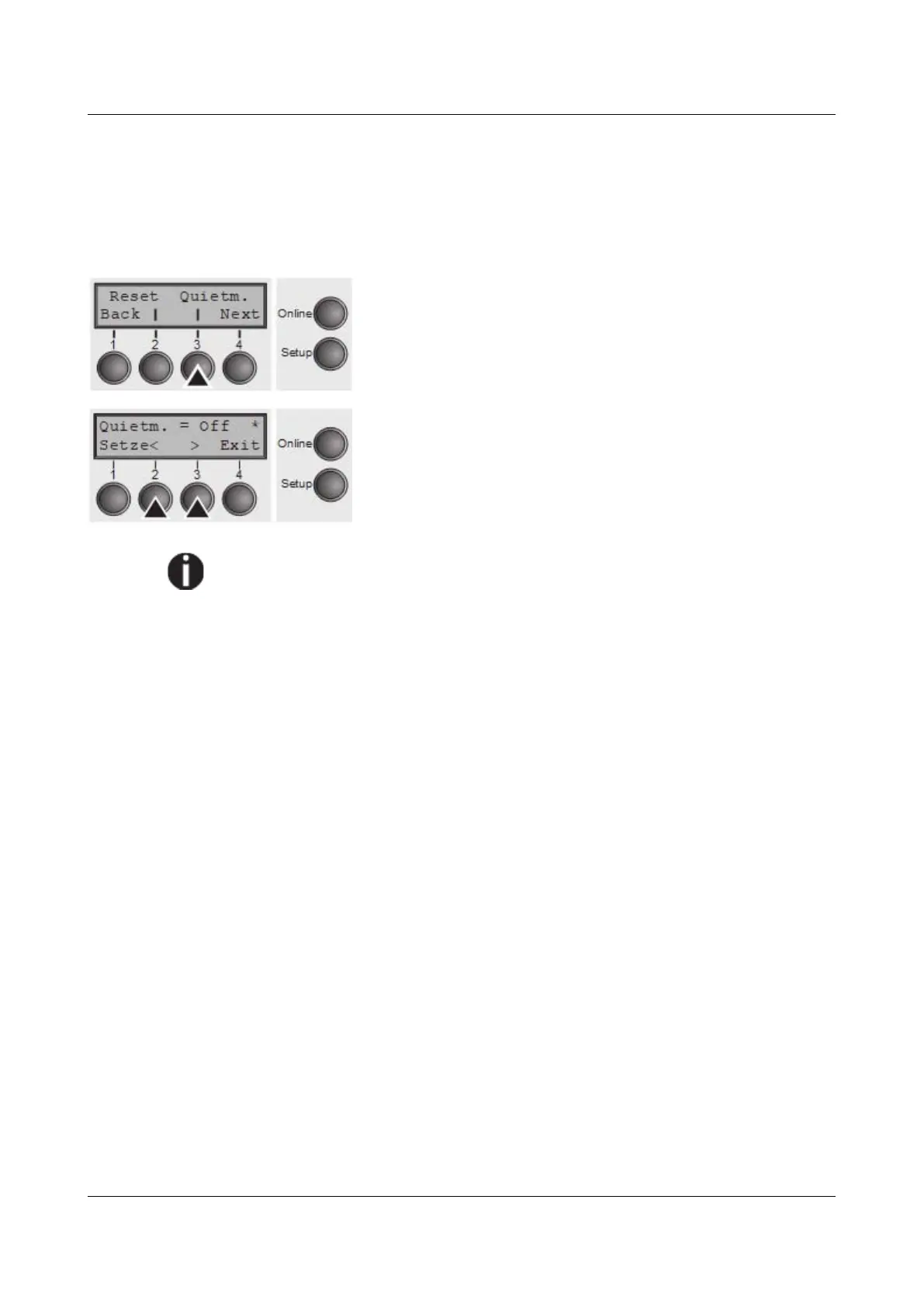
Quietmode (Quietm.)
Switches between normal and quiet mode printing. For all printing modes, the
print-out is made with the bidirectional method in quiet mode printing. In the first
step the first row of pins is activated, during the second step the second row is
used.
Press Quietm. (3) key.
Use the < (2) or > (3) key to select the desired setting.
Setting Options: Quietm. = On/Off
Default Setting: Off
Please note that the activation of Quietmode decreases the throughput.
Confirm the setting by pressing the Set key (1). Press the Next key (4) to access
the next group of parameters.
57



 To Next Page