User Guide Options and accessories
Advanced menu
The advanced menu consists of test functions and advanced settings.
Test functions
Various tests to check proper operation of the printer are available at any time.
With these tests it is possible to check the print quality, proper operation of the
printhead and the mechanics, as well as efficient data transmission from the
computer to the printer.
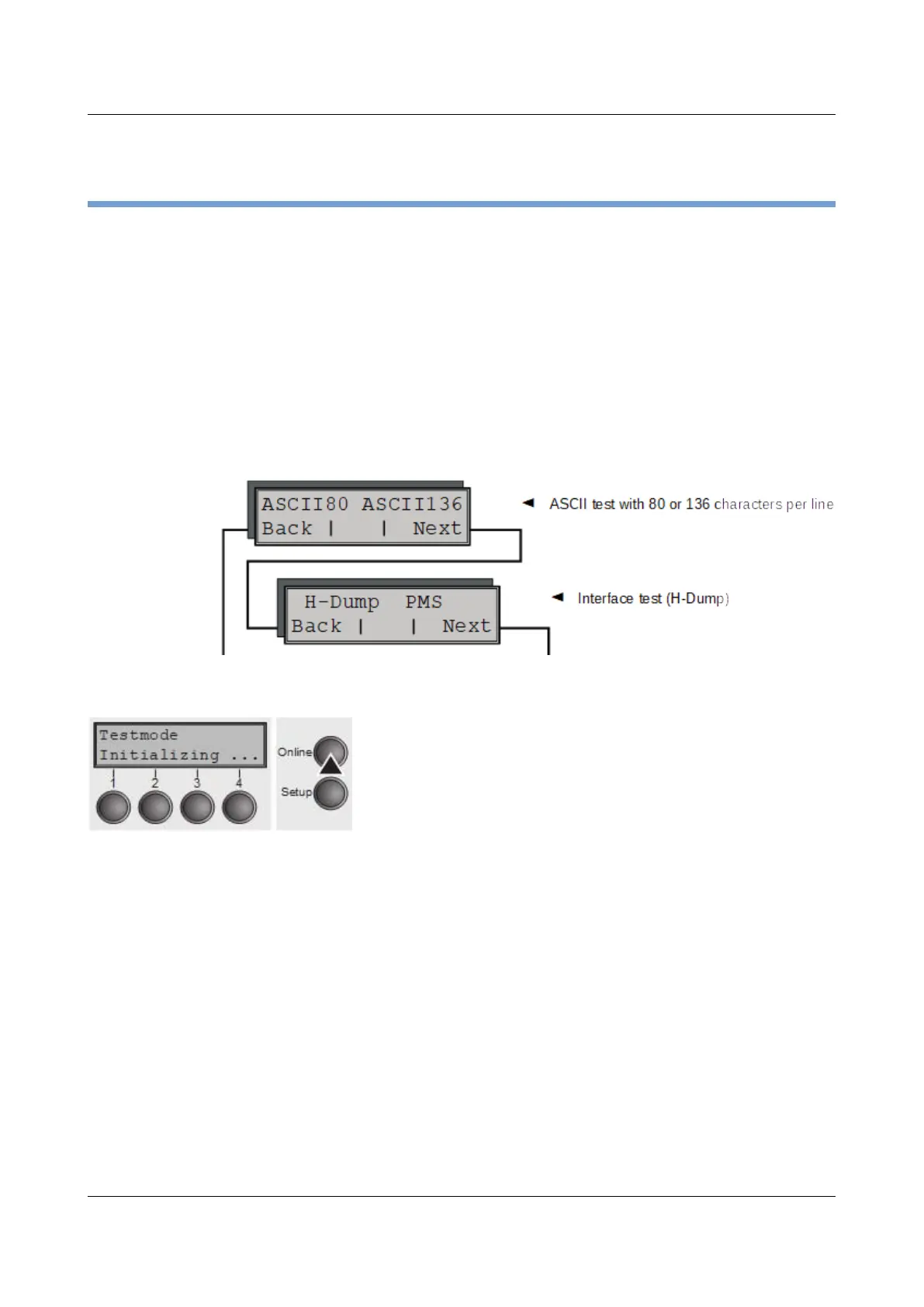
The extended menu contains three test functions (ASCII 80, ASCII 136, H-
Dump).
Enter advanced menu mode by pressing the key Online
while switching on the printer.
The display shows Test mode for approx. 1 second and
then automatically changes to display ASCII 80 ASCII 136.
89



 To Next Page