User Guide Options and accessories
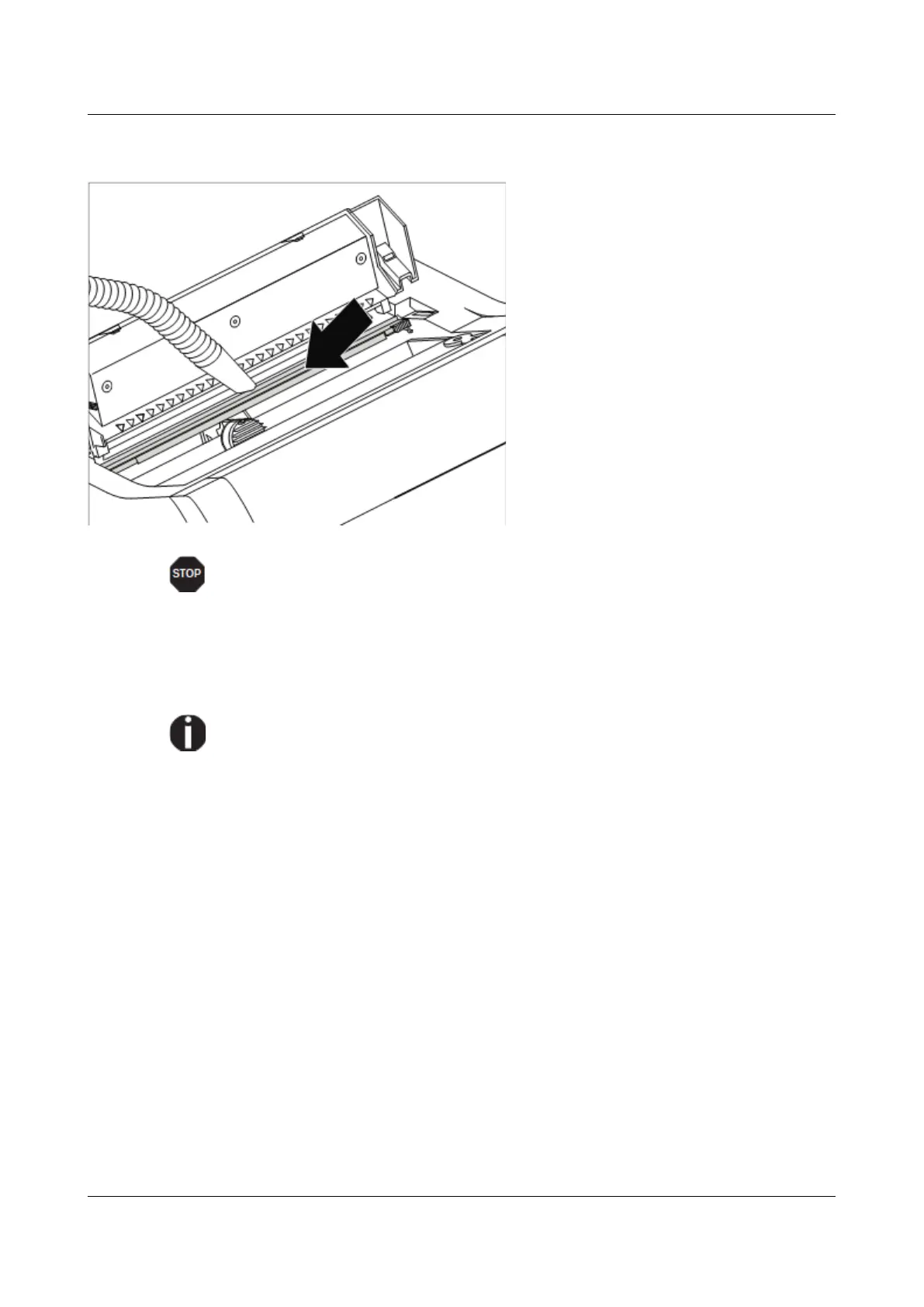
Cleaning the platen
Switch off the printer and open the
upper cover after 4 to 5 seconds.
Remove dust and possible ribbon and
ink remains carefully from the platen.
Avoid touching parts and components in the printer interior.
Ribbon
Check whether the ribbon is worn or damaged. The ribbon must be replaced if it
is frayed, see Inserting the ribbon cassette, and Error messages via the display.
The service life of the ribbon is 20 million characters.
121



 To Next Page