User Guide Options and accessories
Beep at paper end (Sound)
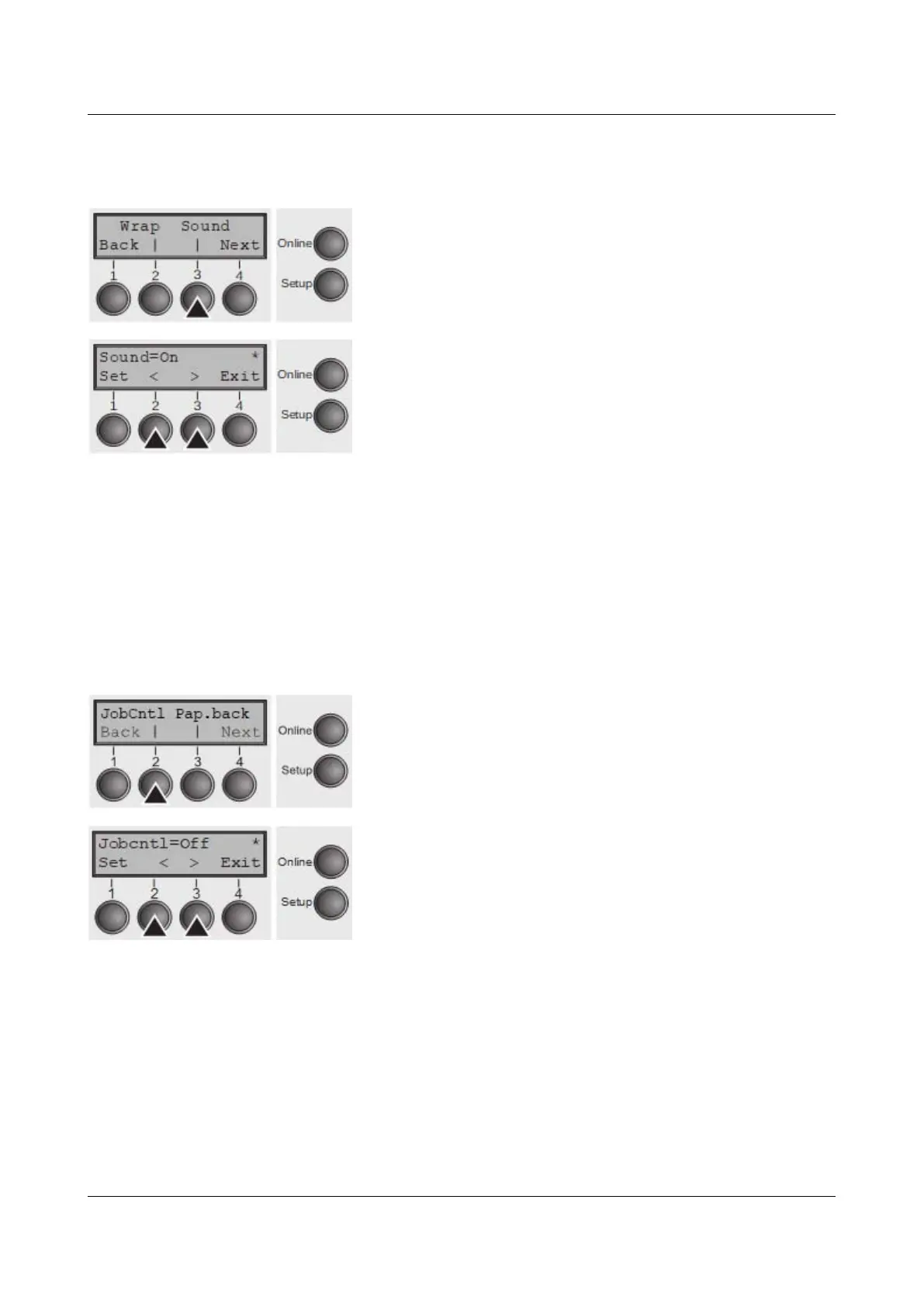
Select the Sound menu (3).
Setting options: On/Off
Default setting: On
When Sound = On, a beep is generated every second to notify that paper is
empty.
Confirm the setting by pressing the Set (1) key. Change to the next parameter
group with the Next key (4).
Activate PJL language (Jobcntl)
This parameter activates the printer language PJL (Printer Job Language).
Select the Jobcntl (2) menu.
Setting options: Off/On
Default setting: Off
On activates the PJL printer language (see PJL
commands).
Confirm the setting by pressing the Set (1) key.
103



 To Next Page